UUNA TEK
روبوت الرسم بمخطط الأقلام iDraw H مقاس A3، آلة رسم بمخطط الأقلام، أسرع بنسبة 300% من الأجهزة الأخرى
مشاركة
Couldn't load pickup availability
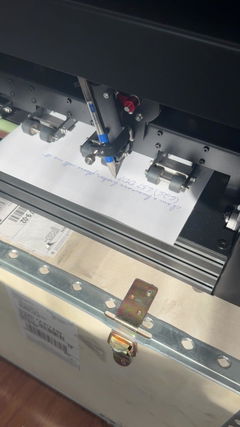
ارتقِ بمشاريعك الإبداعية باستخدام روبوت الرسم بالقلم iDraw H A3، وآلة الرسم بالقلم، وآلة الكتابة، وآلة التوقيع| صممت UUNA TEK نفسها لوضع معايير جديدة في الدقة والسرعة. وتقدم نفسها بوصفها أسرع آلة كتابة بخط اليد في العالم، مع زيادة مذهلة في السرعة بنسبة 300% مقارنة بنظيراتها، ما يجعلها الخيار الأمثل للفنانين والمحترفين والهواة الذين يبحثون عن أداء لا مثيل له.
يرجى ملاحظة أن الإصدار المزود بلوحة قاعدة غير متوفر في المخزون حاليًا.
ما هو iDraw H A3؟
- يتعامل مع مشاريع بحجم يصل إلى A3 (16.5 × 11.7 بوصة)
- دقة ميكانيكية للرسومات التفصيلية
- متوافق مع Inkscape وLightburn وتنسيقات SVG/JPG/PNG الأخرى
- خيارات تركيب مرنة: إعدادات أفقية أو رأسية
مثالي لـ:
- للفنانين الذين يبدعون الفن التوليدي والخط العربي
- للمصممين الذين يرسمون النماذج الأولية أو الخطوط المساعدة
- للمعلمين الذين يدرّسون الرسم التقني
- للحرفيين الذين يضعون علامات على الجلد أو الخشب أو الورق
لماذا تختار iDraw H A3؟
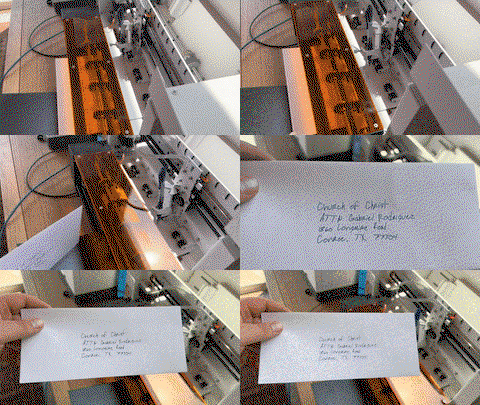
- الكتابة بالجملة دون عناء: يدعم دمج البريد وخطوط Hershey لكتابة الرسائل والدعوات والبطاقات
- سرعة لا مثيل لها: تصل إلى 12,000 مم/دقيقة، أسرع بثلاث مرات من أجهزة الرسم A3 الأخرى
- الدقة: دقة محوري X/Y تبلغ 0.01 مم
- النقش بالليزر (اختياري): رؤوس ليزر بقدرة تتراوح بين 0.5 و15 واط لمواد متنوعة
- الاتصال: USB أو Bluetooth، ومتوافق مع Windows/Mac/Linux
- تحكم سهل الاستخدام: اضبط الطاقة والسرعة وتنسيقات الإدخال باستخدام UUNA TEK 2.0 Control
Shipping, Warranty & Support
Free Worldwide Shipping
Delivered anywhere in the world at no extra cost.
30-Day Easy Returns
Hassle-free returns or exchanges within 30 days.
Lifetime Care Guarantee
Support for your machine for its entire lifetime.
Dedicated Customer Support
Help available via email, chat, or Zoom.
Free Personal Training
Learn to set up and use your machine easily.
الميزات الرئيسية
-
توافق شامل مع G-Code: دقة التوصيل والتشغيل
بالنسبة لمعظم المصممين والخطاطين وأصحاب الأعمال، تحتاج إلى نظام يعمل بسلاسة مع الأدوات التي تعرفها بالفعل. يوفر خط منتجاتنا القياسي توافقًا كاملًا مع G-code مفتوح المصدر، ما يعني أنه يمكنك استيراد الرسومات المتجهة مباشرةً من Inkscape (مع إضافاتنا الاحتكارية)، أو LightBurn، أو Adobe Illustrator، وإنشاء مسار الأداة، والبدء في الرسم فورًا. لا حاجة إلى البرمجة—فقط أتمتة صناعية مكتوبة يدويًا بنقاء.
-
كتابة جماعية سهلة مع دمج البريد ودعم خطوط هيرشي
تدعم جميع أجهزة رسم الأقلام UUNA TEK iDraw دمج البريد لكتابة الرسائل والمغلفات والبطاقات والدعوات بكميات كبيرة. استفد من خطوط هيرشي لمحاكاة الكتابة اليدوية الطبيعية.
-
سرعة لا مثيل لها - أسرع بثلاث مرات من الآخرين
يعيد UUNA TEK H Version تعريف اللعبة بسرعة كتابة تصل إلى 12,000MM/MIN، متفوقًا بفارق كبير على المنافسين.
-
تقنية متطورة
يعمل بفضل اللوحة الأم Drawcore V2.0 ومزوّد ببرنامج ثابت متوافق مع GRBL، ويمثل قمة الابتكار.
-
إعادة تعريف الدقة
حقّق دقة ميكانيكية متناهية مع حد أدنى للدقة يبلغ 0.01 مم على المحورين Y وX، مما يضمن أن تكون إبداعاتك دقيقة حتى أدق التفاصيل.
-
النقش بالليزر متعدد الاستخدامات
اختر من رؤوس الليزر بقدرة تتراوح بين 500mW و15 واط، مما يتيح لك نقش مواد متنوعة، من الخشب والبلاستيك إلى الجلد والورق.
-
تحكم بديهي
أدِر بسلاسة معدل الطاقة وسرعة النقش وتنسيقات الإدخال باستخدام إضافات تحكم UUNA TEK 2.0.
-
اتصال سهل الاستخدام
اتصل عبر USB أو Bluetooth، مع توفير المرونة لمختلف أنظمة التشغيل، بما في ذلك Windows 7/8/10/11 أو الإصدارات الأحدث، وMac OS وLinux.
Collapsible content
المواصفات
- اللوحة الأم: Drawcore V2.0
- البرنامج الثابت: متوافق مع GRBL
- الإضافات: UUNA TEK 2.0 Control
- مواد الهيكل: مقاطع ألمنيوم + لوح فولاذي
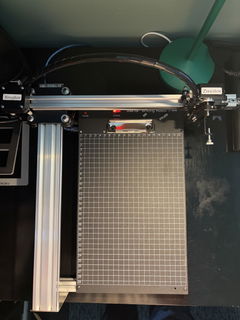
- منطقة العمل: 420*297mm
- المحركات: 4* محركات خطوية 42
- الدقة الميكانيكية: Y:0.01 mm، X:0.01mm
- طاقة الليزر: 500mW/1600mW/2500mW
- منطقة النقش: 420*297mm
- الطول الموجي: 445±5nm
- التركيز: تركيز ثابت
- نمط التحكم: PWM
- معدل الطاقة: S0-S1,000
- سرعة النقش: 0-5,000MM/Min
- سرعة الكتابة: 0-12,000MM/MIN
- معدل الباود: 115200 - 921600 (الافتراضي: 115200)
- تنسيق الإدخال: JPG, JPEG, PNG, BMP, SVG، وغيرها
- جهد الإدخال: 110V-220V (متوافق)
- خرج محول الطاقة: 12V / 1A
- درجة حرارة التشغيل: -20℃-50℃
- حجم المنتج: 525*570*160MM
- الوزن الصافي: 4-5KG
- مفتاح الحد: Y
- الزاوية القابلة للتعديل للقلم: 70-90 درجة
- الاتصال: USB، Bluetooth
- أنظمة التشغيل والبرامج المدعومة: Windows 7/8/10/11 أو أحدث (Inkscape)، Mac OS (Inkscape للكتابة والرسم، Lightburn للنقش بالليزر)، Linux
قائمة التعبئة
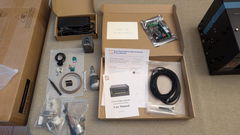
1 × UUNA TEK iDraw H راسم أقلام بمقاس A3
*1 × لوحة قاعدة A3 (اختيارية)
1 × مجموعة أدوات
1 × دليل البدء السريع
1 × بطاقة شكر
البرمجيات
نزّل برنامج إنكسكيب والملفات الشاملة من هنا>>>.
يمكنك العثور على البرنامج لأنظمة Windows وMac وLinux، بالإضافة إلى دليل تجميع الأجهزة وتفاصيل تثبيت البرنامج.
لمن يحتاج إلى وظائف متقدمة:
1. لمن يحتاج إلى وظيفة حفظ ملف الرسم، يُرجى تنزيل هذه النسخة>>>
2. لمن يحتاج إلى وظيفة دمج البريد،
Windows: يُرجى تنزيل هذه النسخة>>>
Mac أو Linux، يُرجى تنزيل هذه النسخة>>>
3. لمن يحتاج إلى وظيفة الليزر، يُرجى تنزيل هذه النسخة>>>
4. ماذا لو كانت لديّ بعض المعارف الأساسية في البرمجة وأردت تعديل المعلمات الأصلية لتجاوز حد السرعة؟ يُرجى تنزيل هذه النسخة>>>
دروس تعليمية
بالنسبة إلى راسم القلم UUNA TEK 1.0، يُرجى الاطلاع على دروس الفيديو هنا>>>
بالنسبة إلى راسم القلم UUNA TEK 2.0، يُرجى الاطلاع على دروس الفيديو هنا>>>
بالنسبة إلى راسم القلم UUNA TEK H، يُرجى الاطلاع على دروس الفيديو هنا>>>
بالنسبة إلى البرنامج، يُرجى الاطلاع على الفيديو هنا>>>
بالنسبة إلى وظيفة الليزر، يُرجى الاطلاع على دروس الفيديو هنا>>>
السياسات
سياسة الشحن: سيتم تنفيذ جميع الطلبات خلال 48 ساعة عمل. ستُشحن جميع الطرود عبر DHL/UPS/USPS من مستودعاتنا في الصين أو من مستودع Amazon، وستستغرق عملية الشحن من 5 إلى 7 أيام عمل حتى وصولها إلى وجهتك. يُرجى الانتباه إلى احتمال حدوث تأخير خلال مواسم التخفيضات. اطّلع على السياسة الكاملة هنا>>>
سياسة الإرجاع: نقدم ضمانًا لمدة عام واحد على جميع المنتجات. يُتاح الإرجاع واسترداد المبلغ مجانًا فقط في حال وجود مشكلة في الجودة أو حدوث تلف أثناء التوصيل. يُرجى التواصل معنا عبر support@uunatek.com قبل إرجاع المنتج. اطّلع على السياسة الكاملة هنا>>>
| iDraw H vs iDraw H SE – Comparison Table | ||
|---|---|---|
| Feature | iDraw H | iDraw H SE |
| Motherboard | Drawcore V2.0 | Drawcore V3.0 |
| Firmware | GRBL Compatible | GRBL Compatible |
| Software Support | Inkscape Writing, Inkscape Drawing, Lightburn for Laser | Full AxiDraw Functions + Python API + CLI |
| Connectivity | USB, Bluetooth | USB |
| Working Area | 420 × 297 mm (A3); A2/A1/A0 options available | 297 × 210 mm (A4) |
| Mechanical Precision | X/Y: 0.01 mm | X/Y: 0.01 mm |
| Writing Speed | Up to 12,000 mm/min | Up to 12,000 mm/min |
| Engraving Speed | 0–5,000 mm/min | 0–5,000 mm/min |
| Laser Power Options | 0.5W / 1.6W / 2.5W / 10W / 15W | N/A |
| Frame Material | Aluminum + Steel Plate | Aluminum |
| Pen Angle Adjustability | 70–90° | 70–90° |
| Supported OS | Windows, Mac, Linux | Windows, Mac, Linux |
| Input Formats | SVG, PNG, JPG, JPEG, BMP | SVG, PNG, JPG, JPEG, BMP |
| Power Adapter Output | 12V / 1A | 12V / 1A |
| Operating Temperature | -20°C to 50°C | -20°C to 50°C |
الأسئلة الشائعة
لماذا لا تعمل وظيفة العودة التلقائية إلى المنزل لديّ بشكل جيد؟
إليك بعض النصائح لاستخدام التعيين التلقائي للموضع الرئيسي Auto Home.
1. تحقّق من توصيل كابلات مفاتيح التلامس بشكل صحيح، واتّبع هذا الدليل:https://www.youtube.com/watch?v=5B4nb2k6eAc2. حرّك عربة المحور X يدويًا إلى اليسار إلى أقصى حد ممكن، وتحقّق مما إذا كانت تلامس مفتاح تلامس المحور X.
3. حرّك عربة المحور Y يدويًا إلى الخلف إلى أقصى حد ممكن، وتحقّق مما إذا كانت تلامس مفتاح تلامس المحور Y.
4. تأكّد من ترتيب الكابلات بشكل صحيح حتى لا تعلق بعربتي المحورين XY، وراجِع هذا الدليل لترتيب كابل المحور Z:https://www.youtube.com/watch?v=LTwPYPh3rdE
ماذا ينبغي أن أفعل إذا ضغطت على الزر الأحمر وتوقفت الآلة؟ هل يمكنني استئناف الرسم؟
نعم، يمكنك استئناف عملك بعد الضغط على زر التوقف الطارئ الأحمر. بعد الضغط عليه، ستتوقف الآلة مؤقتًا وتنتظر مزيدًا من التعليمات. للمتابعة:
- افتح برنامج إنكسكيب.
- انتقل إلى قائمة الإضافات.
- ابحث عن قسم الاستئناف.
- حدّد الاستئناف (من البداية) أو الاستئناف (من موضع الإيقاف المؤقت)، حسب ما إذا كنت تريد إعادة التشغيل من البداية أو المتابعة من نقطة التوقف بالضبط.
👉 نصيحة: احرص دائمًا على اختيار خيار الاستئناف المناسب استنادًا إلى مدى تقدّم مشروعك، لتجنّب الرسومات المتداخلة أو غير المكتملة.
لماذا يُظهر راسم القلم iDraw خطأً عند رسم أي شيء أكبر من 215 × 300 مم، رغم أنني أريد استخدام مقاس A3؟
يحدث هذا عادةً عند تحديد حجم الطراز الخاطئ في إعدادات البرنامج. قد يكون البرنامج مضبوطًا افتراضيًا على طراز أصغر (مثل A4)، مما يحد من الحد الأقصى لمساحة الرسم.
لإصلاح ذلك، انتقل إلى:
الخيار → تهيئة طراز iDraw → اختر مقاس A3
ثم حاول الرسم مرة أخرى. بعد تحديد حجم الطراز الصحيح، ستدعم الآلة مساحة الرسم الكاملة بحجم A3 دون ظهور أي خطأ.
هل يمكن للمحور Z ضبط مسافة العمل؟
نعم، يمكن للمحور Z ضبط مسافة العمل من 0 إلى 10 مم.
هل يمكن التحكم في وقت وضع القلم على الورق؟
نعم، يمكن التحكم في وقت إنزال القلم.
هل تدعم الآلة أوامر G-code؟
نعم، يدعم أوامر G-code. والبرنامج الثابت للوحة الأم متوافق مع GRBL.
هل يمكن لمحور Z الرفع والضغط بسلاسة مع حمولة تبلغ نحو 30–35 غرامًا (مثل مسبار فولاذي صلب بقطر 10 مم وطول 5 سم)؟
نعم، يمكنها ذلك. تدعم الآلة أحمالًا تصل إلى 200 غرام وبقطر أقصى يبلغ 15 مم.
هل الإطار ثابت بما يكفي لتجنب الاهتزاز عند الضغط؟
نعم، يزن H A3 7 كجم ويتمتع بثبات كافٍ. ويمكن ضبط سرعة التشغيل.
إذا كان من الممكن أصلًا تغيير إعداد مقدار رفع الأقلام أو خفضها؟
يحدّ الكود ارتفاع المحور Z افتراضيًا؛ يمكنك ضبط الإعدادات التالية كما هو موضح في الصور للحصول على مرونة أكبر.
1.idraw_deps>idraw2_0internal>idraw.py
اضبط الارتفاع من 10 إلى الارتفاع المتوقع، مثل 30، في self.options.pen_pos_up وself.options.pen_pos_down.
2. idraw2_0.inx
اضبط max="10.0" على الارتفاع الذي تريده في <param name="pen_pos_down" type="float" min="0.1" max="10.0" _gui-text="ارتفاع القلم: لأسفل، (مم):">5.0</param>
I am using the plotter from last 14 days i am loving it. Plus the guide available online make it very easy for me to set up plotter quickly. A little prob i face was it took me time to find where should i start the plot from ( few trial and error i find its top right corner ) rest everything was smooth and perfect. Thanks
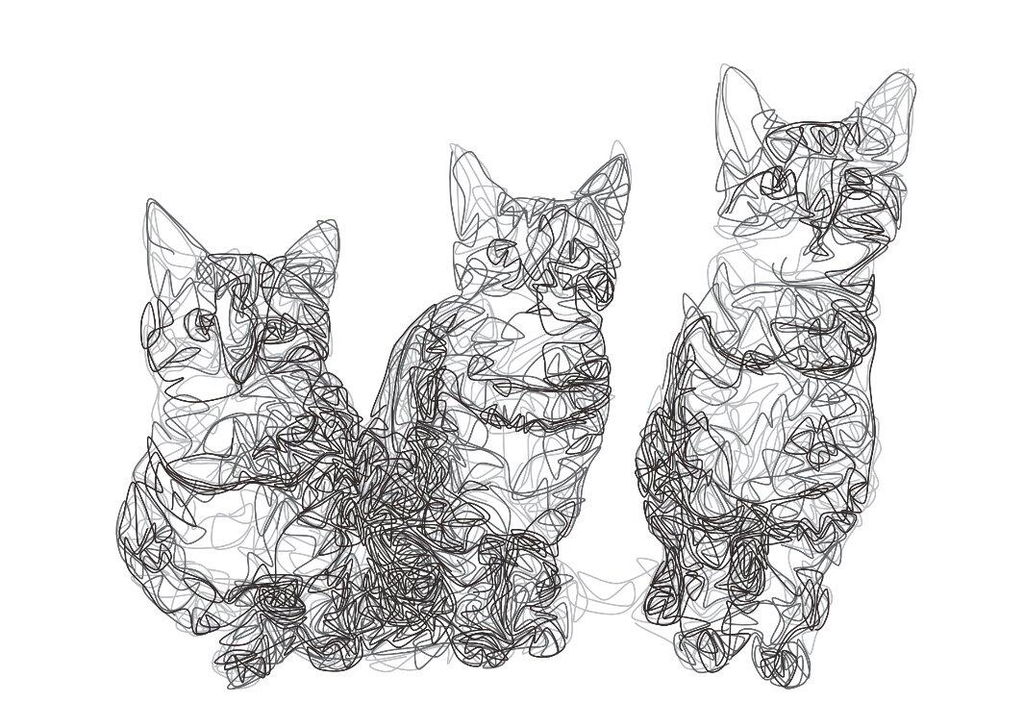
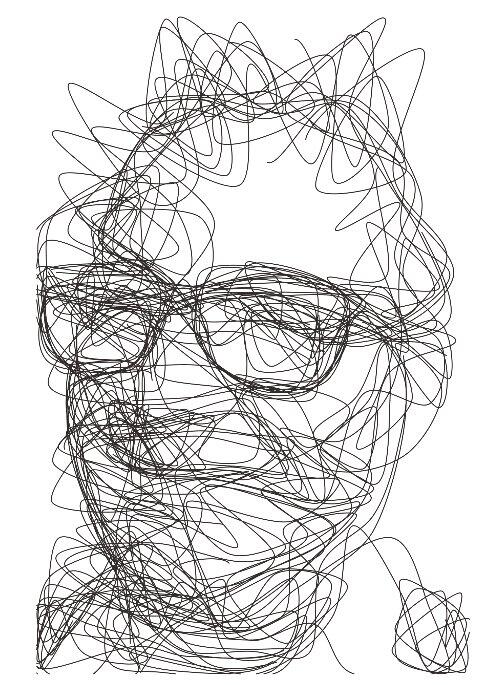
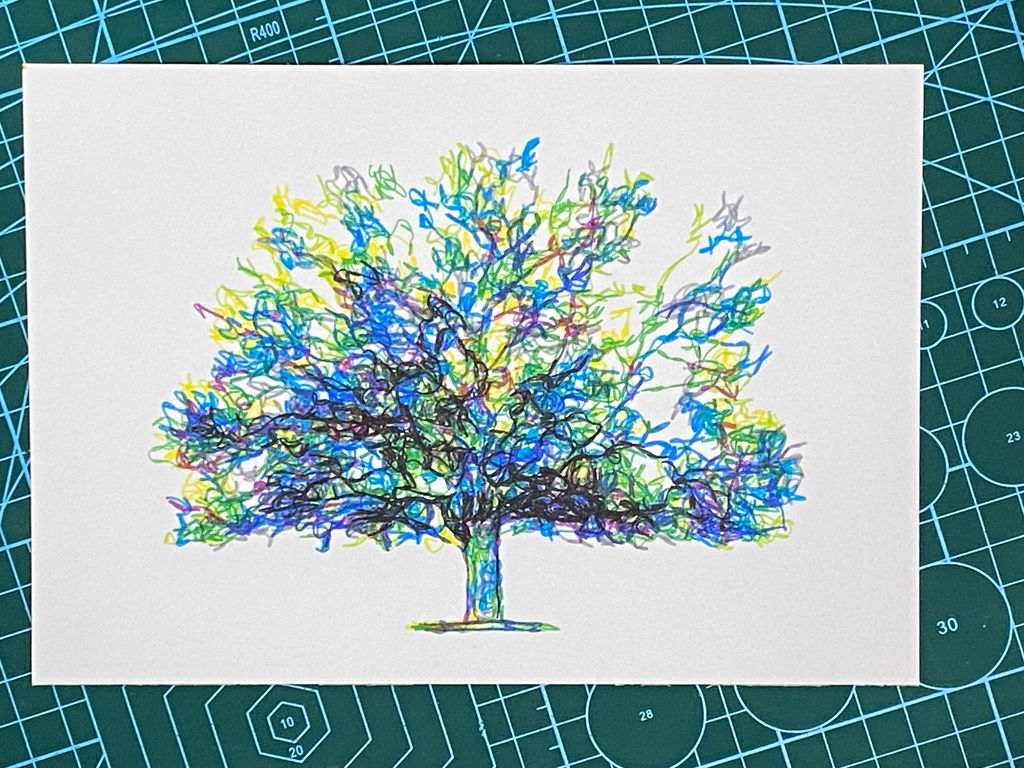
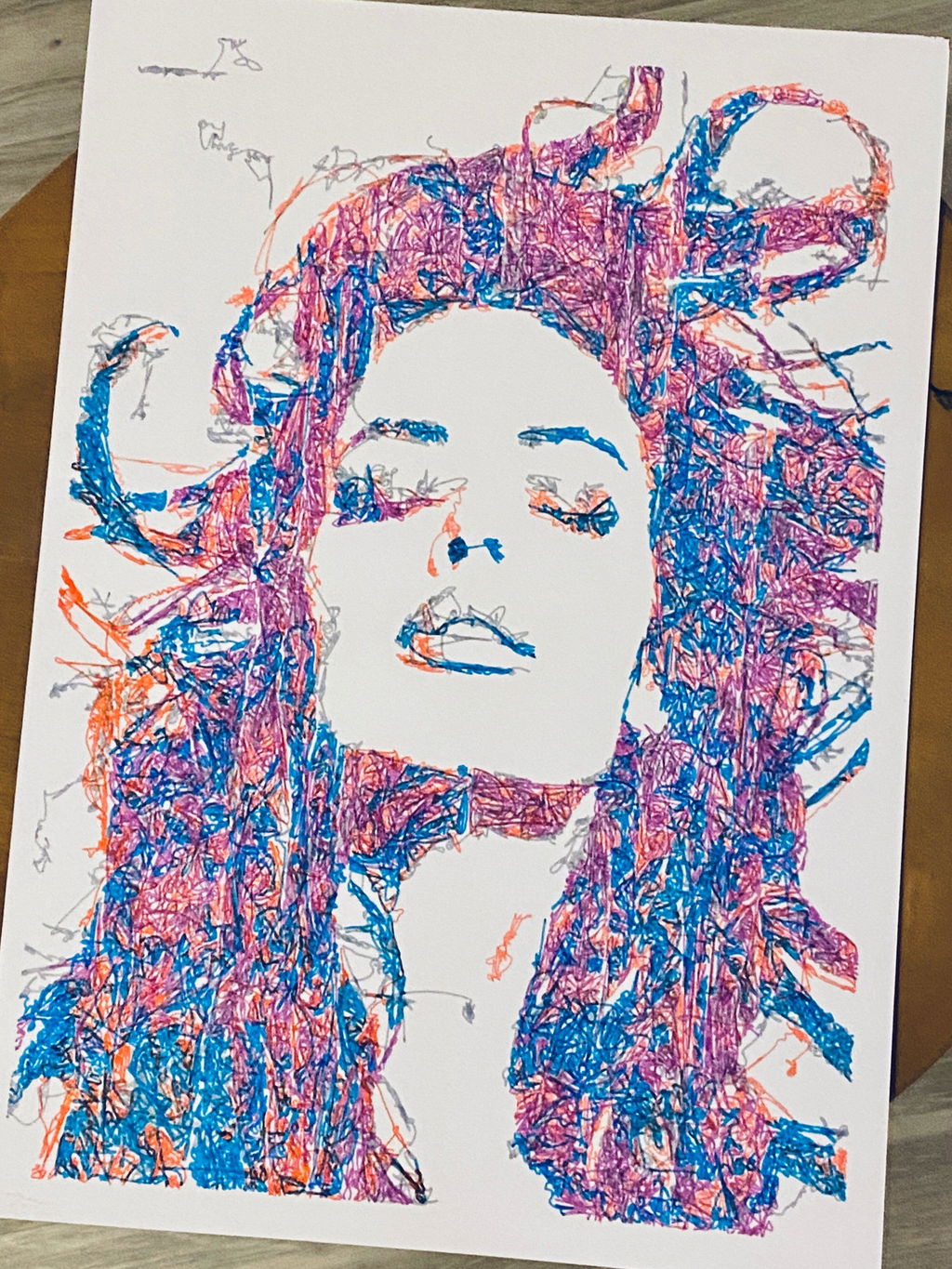
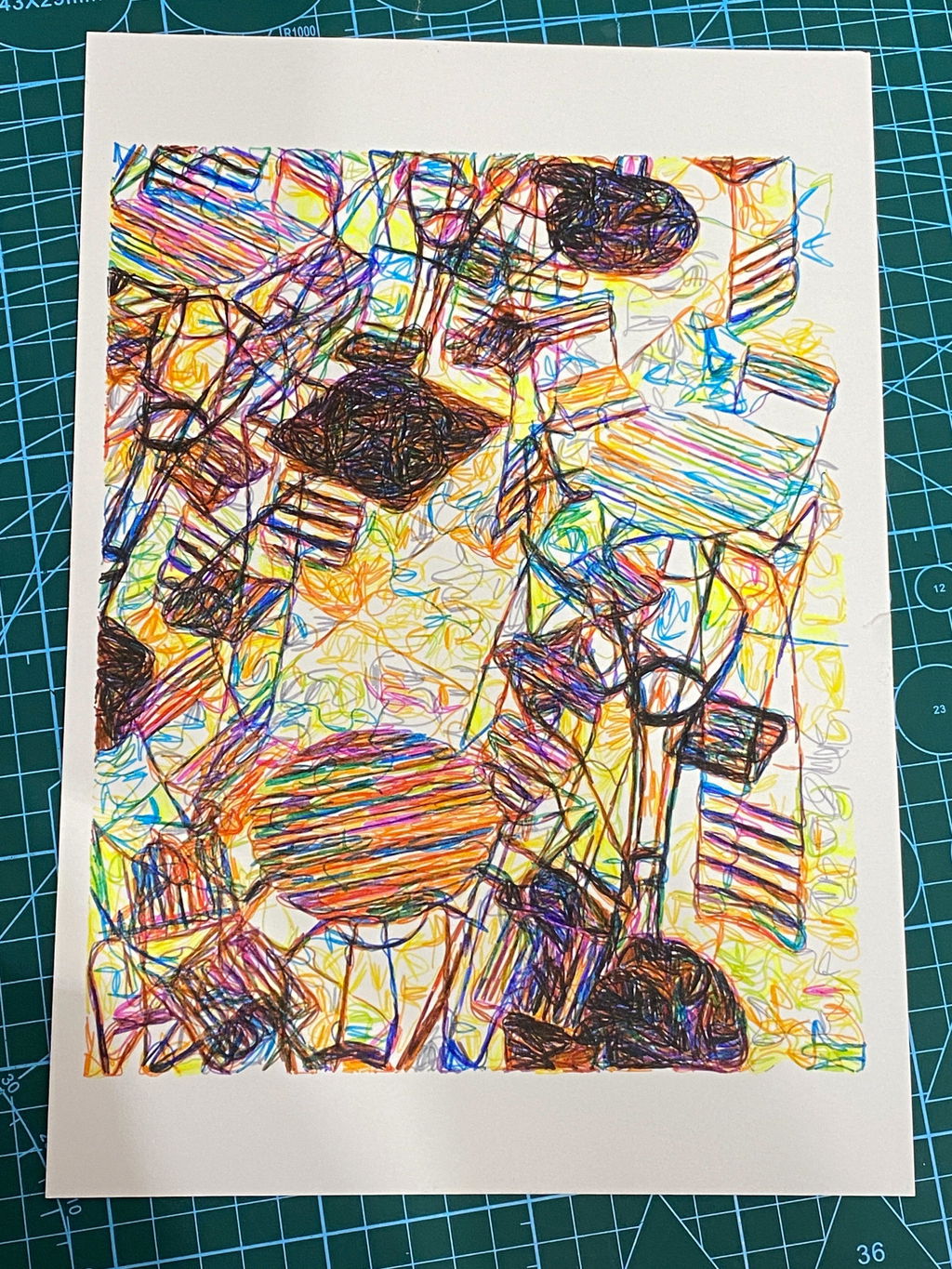
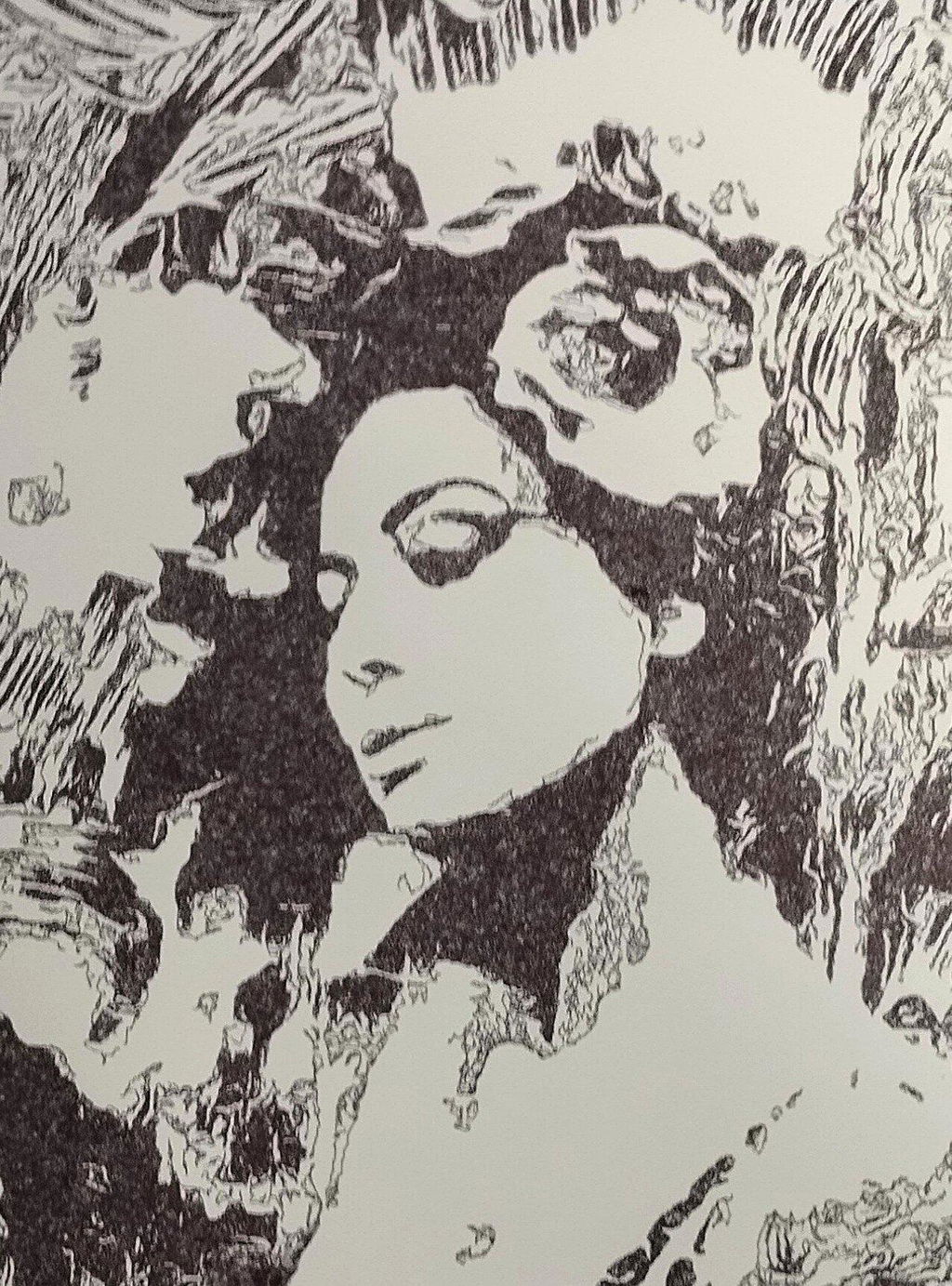
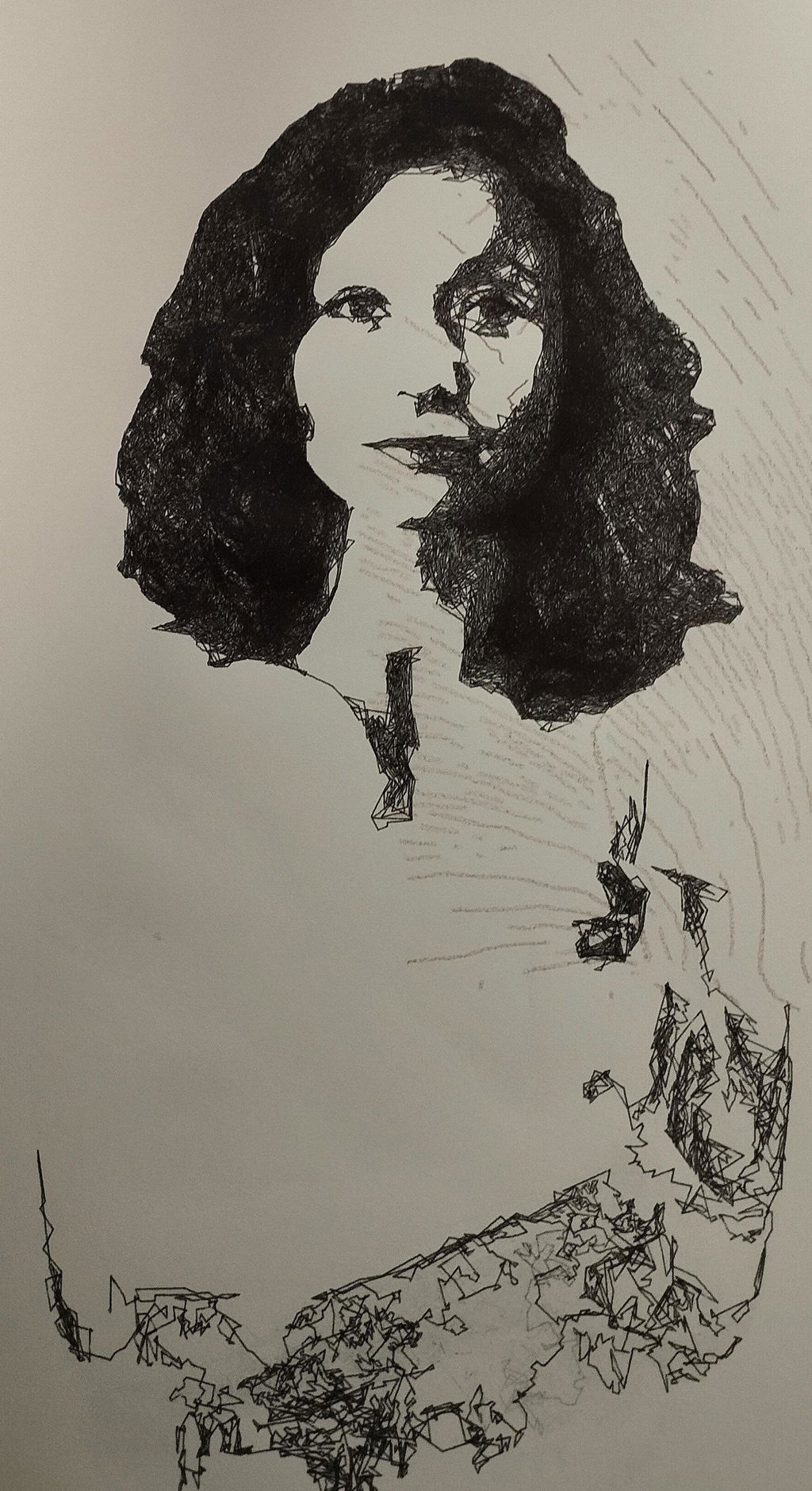
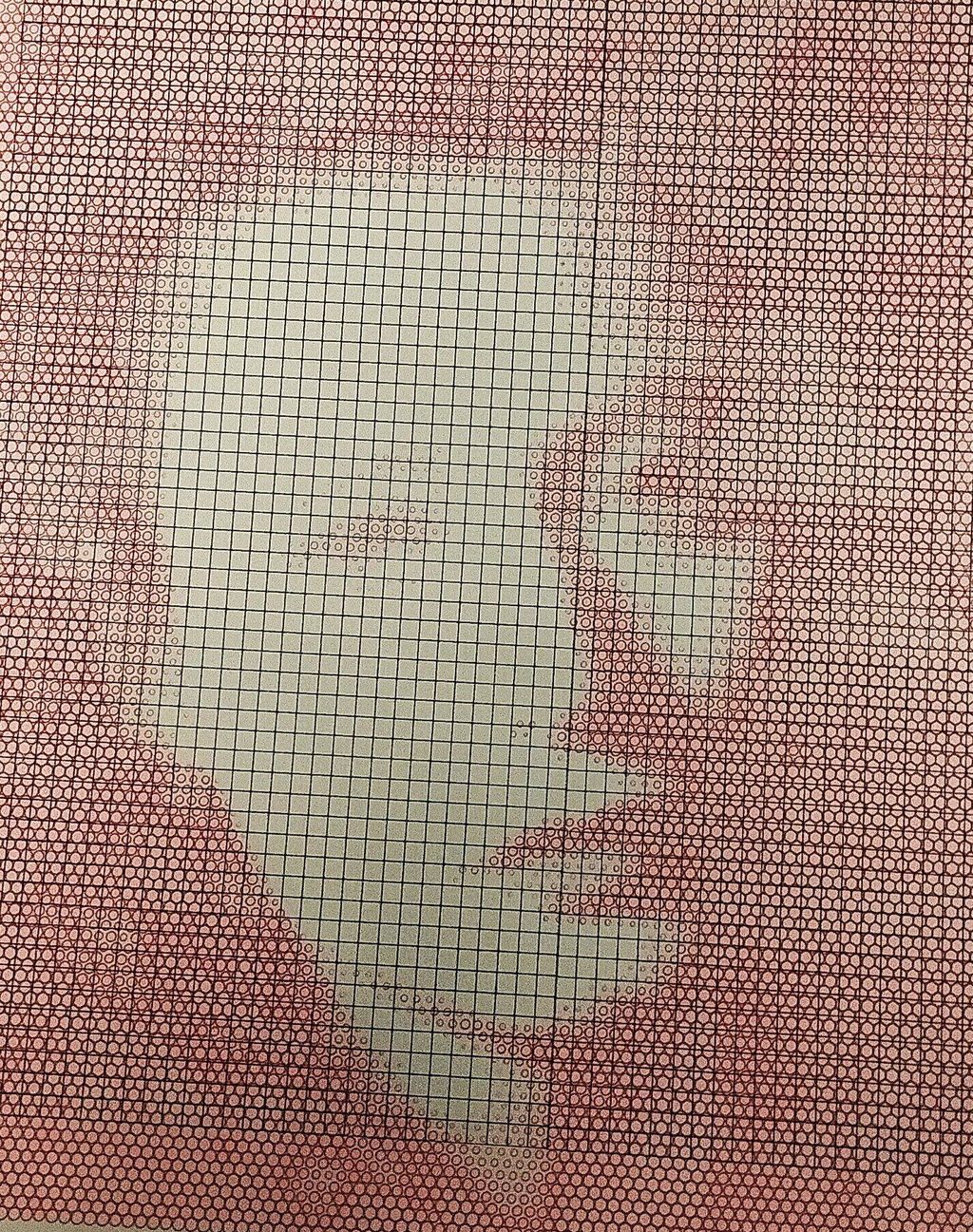
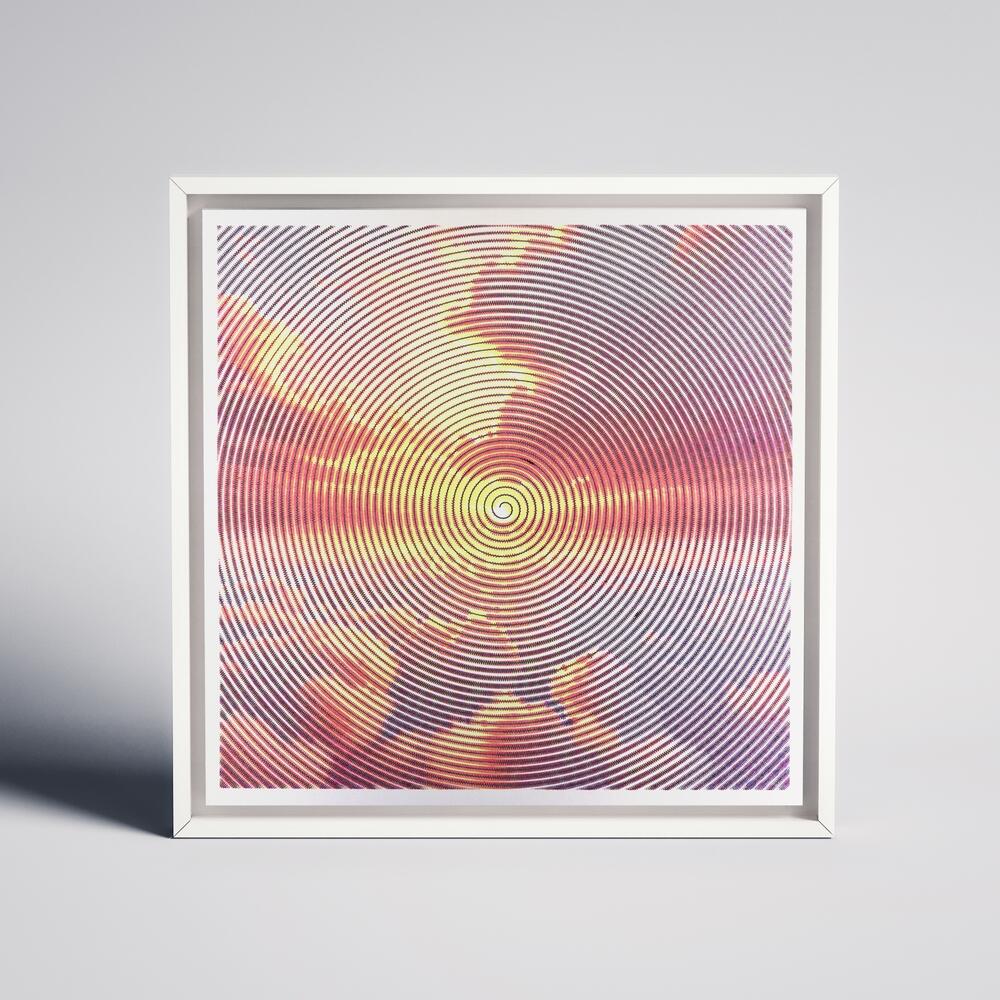
My first pen plotter the Uuna Tek H A3. I settled on this make and model after watching many videos on YouTube. Uuna Tek consistently came out looking the best so I took the plunge and pressed the buy it now button. A week later I had a large box delivered! Opening the box, it's clear the machine was well packed to withstand shipping. A "hand written" thank you card was a nice touch. Assembly was simple and straightforward. The machine is nicely designed and definitely has a quality feel to it. The software was easy to install, I used the inkscape download (with plugins pre-installed) from the Uuna Tek website. All very straightforward and simple! I've attached a couple of my first prints. I'm absolutely delighted with the machine and the quality of the plots it produces. If you, like I was, are initialising hesitating to press "buy it now" - then don't. Press that button - you won't regret it! Regards to you all from a very wet UK.
I am absolutely loving my UUNA TEK iDraw H A3 Pen Plotter! I have been using it every single day since I got it. One of the best things about it was the setup process. It was incredibly easy to assemble and get running right out of the box. The instructions were clear, and I didn't run into any issues at all.
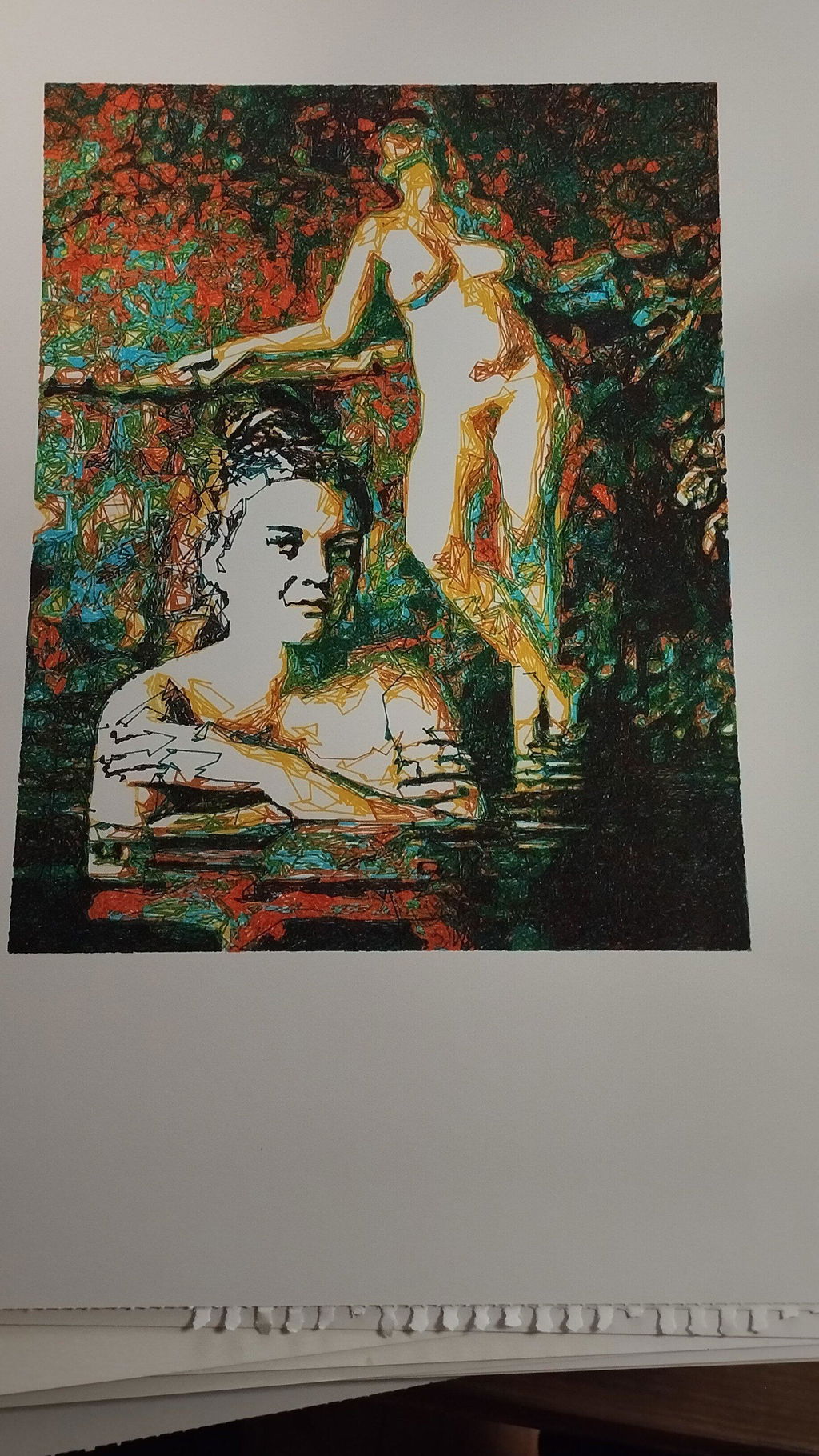
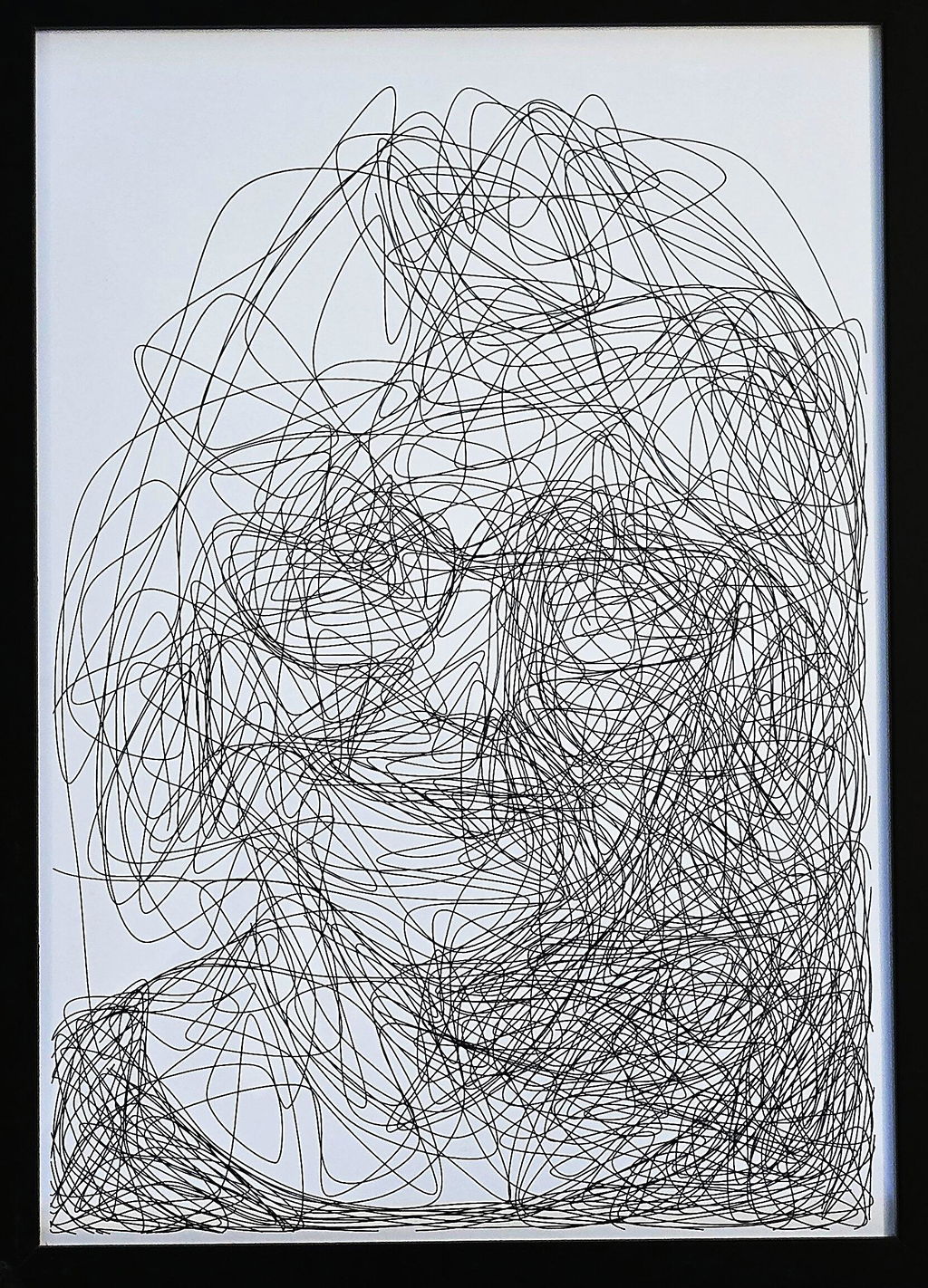
I'm attaching a few pictures of the projects I've created with this plotter so far. It's a fantastic tool and I highly recommend it!
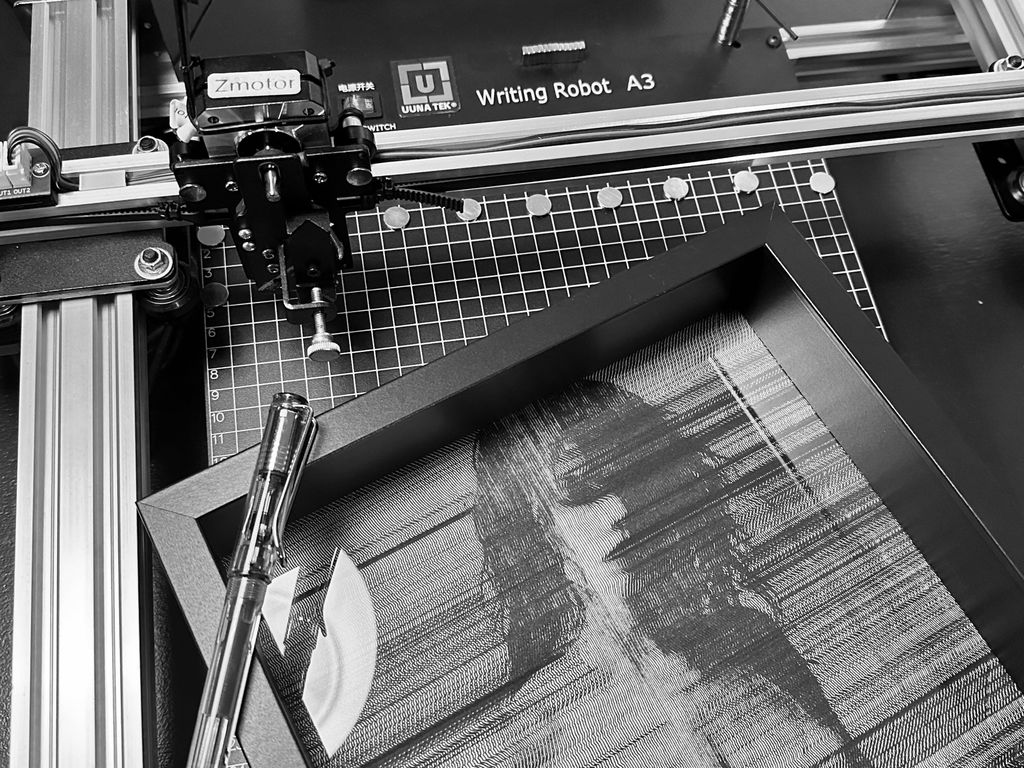
My UUNATEK Writing Robot A3 is pure creative joy packed into a precise little powerhouse. It’s extremely fun to use, surprisingly versatile, and after following a clear tutorial on the UUNATEK website to set up CNCjs on a Raspberry Pi, I now run my iDraw as a fully wireless pen plotter.
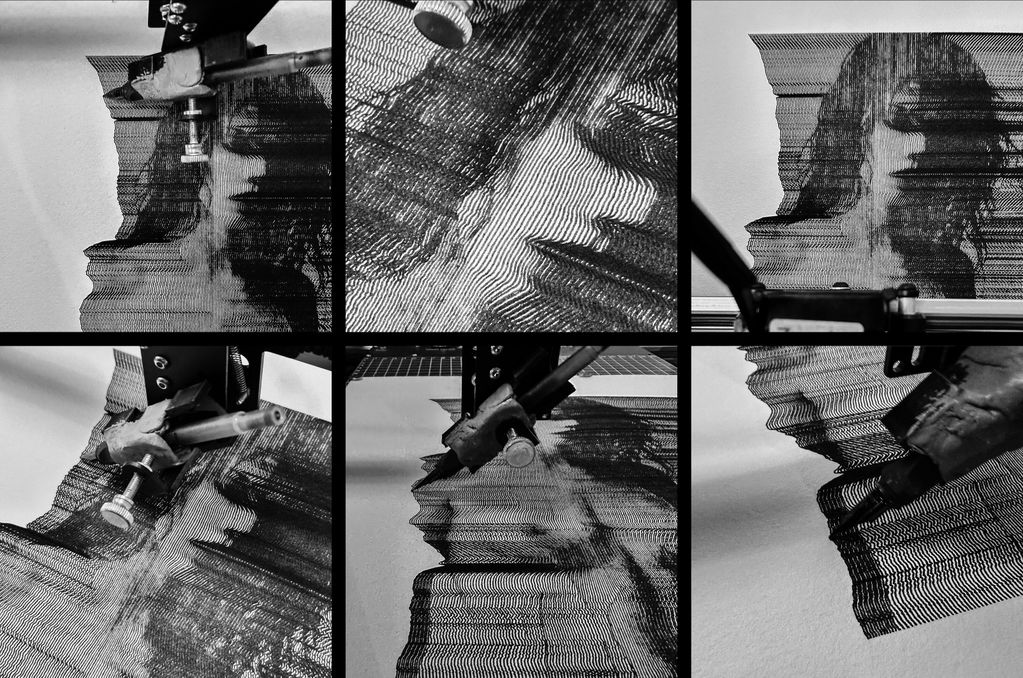
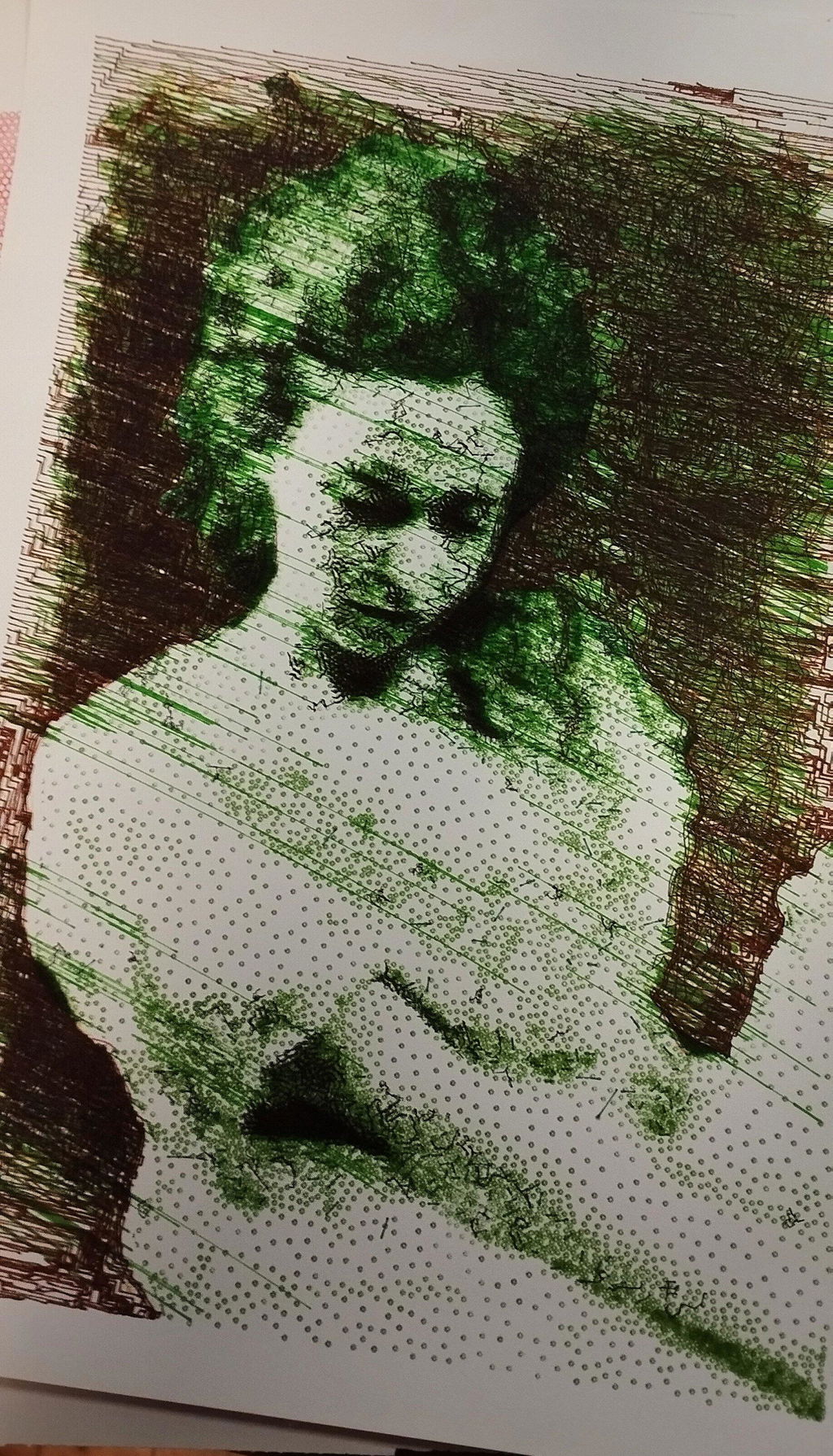
I use this machine to create fast, razor-sharp line-art portraits with a Lamy pen, and the speed and accuracy are impressive. For me, this machine feels like a perfect extension of my studio. It translates digital intention into tactile and expressive drawings. A brilliant bridge between my art and ink.
The product is easy to use. By carefully following the manufacturer's instructions, I was able to install the Inkscape plugin easily. Assembling the plotter is straightforward, but precisely adjusting the baseplate can be tricky. I managed to reduce the unevenness to within +/- 0.1 mm by manually bending the baseplate. I found that if the deviation exceeds this limit, the lifespan of the fine liner pens is significantly shortened because their tips wear down more quickly where the baseplate has a "bump". Therefore, it is recommended to level the plate before using it for the first time.
The plotter is user-friendly, and configuring its operating parameters is simple. At high speeds, the lines may become slightly wavy; however, this issue can be easily resolved by reducing the speed. The device provides a good estimate of the plotting time, making it easier to decide if slower plotting is acceptable.
The home function allows for precise positioning of the pen tips, and you can change the pen several times while working on a drawing. It is very helpful that only select layers can be plotted from the Inkscape drawing.
Overall, I am very satisfied with this product. After carefully setting up the device, one can create highly detailed and precise plots.
Reviews in Other Languages
Super eficaz!
Le prix des traceurs est un facteur essentiel à prendre en compte pour votre décision d’achat. Ne faites pas comme moi : j’avais commencé avec un petit traceur A4 bas de gamme (120 $, en pièces détachées à monter soi‑même). Avec cette machine, je ne pouvais à peine tracer des formats A5 alors qu’elle était censée gérer du A4. J’avais sans cesse des problèmes de calage, la précision laissait à désirer, et trop légère, elle bougeait au moindre mouvement. De plus, elle ne prenait pas en charge les fichiers SVG directement : il fallait passer par un encodage en G-code, un vrai parcours du combattant pour réaliser un dessin. Le résultat était le plus souvent frustrant.
Puis j’ai découvert l’iDraw H A3. Je me suis retrouvé face à une machine totalement différente, bien plus qu’un simple plotter : elle était capable de transformer mes photographies et mes dessins en tracés physiques, précis et vivants. J’étais comme propulsé dans une nouvelle dimension créative. C’était le début d’un chemin où le numérique, la mécanique et l’expérimentation artistique se rejoignent pour former un véritable terrain de jeu et d’exploration.
Cette expérience m’a montré que l’investissement dans une machine de qualité comme l’iDraw H A3 est essentiel. Elle permet non seulement de travailler avec précision et sur de grands formats, mais surtout d’avoir la liberté de se concentrer sur la création et l’exploration artistique, plutôt que sur les problèmes mécaniques. Un investissement qui peut sembler élevé au départ, mais qui se traduit par un gain énorme de temps, de sérénité et de plaisir créatif.
Since working with an Idraw H A3, I have nothing but praise to give to Uuna Tek for their work. It works all the time, every day, always precise, silent and so fast! Super easy to learn, even for beginners, and excellent support. I had already installed the software part and once unboxed, I made my first drawing in a few minutes. THANKS
Depuis que je travaille avec une Idraw H A3, j'ai seulement des éloges à faire à Uuna Tek pour leur travail. ça fonctionne tout le temps, tous les jours, toujours précis, silencieuse et tellement rapide! Super facile à prendre en main, même pour les débutants, et excellent support. J'avais déjà installé la partie logiciel et une fois déballée, j'ai fait mon premier dessin en quelques minutes. Merci