UUNA TEK
روبوت رسم قلم iDraw H A3، آلة رسم قلم، أسرع 300% من الآخرين
مشاركة
Couldn't load pickup availability
أجهزة iDraw H A3 Pen Plotters غير متوفرة في المخزون! لن نعيد تخزين هذه الآلة بعد الآن، لأن الآلة الجديدة قادمة! إذا كان لديك طلب شراء غير متصل بالإنترنت، يرجى إرسال بريد إلكتروني إلى support@uunatek.com مع مزيد من التفاصيل.
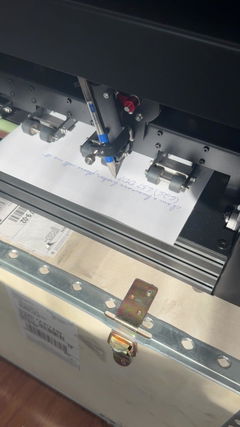
ارتقِ بمشاريعك الإبداعية مع iDraw H A3 قلم روبوت الرسم آلة الرسم آلة الكتابة آلة التوقيع| صممت UUNA TEK لتضع معايير جديدة في الدقة والسرعة. تكشف عن نفسها كأسرع آلة كتابة يدوية في العالم، مع زيادة مذهلة في السرعة بنسبة 300% مقارنة بنظيراتها، مما يجعلها الخيار الأمثل للفنانين والمحترفين والهواة الباحثين عن أداء لا مثيل له.
ما هو iDraw H A3؟
- يتعامل مع مشاريع بحجم يصل إلى A3 (16.5 × 11.7 بوصة)
- دقة ميكانيكية للرسومات التفصيلية
- متوافق مع Inkscape، Lightburn، وصيغ SVG/JPG/PNG الأخرى
- خيارات تركيب مرنة: إعدادات أفقية أو عمودية
مثالي لـ:
- الفنانون الذين يبدعون الفن التوليدي والخط العربي
- المصممون الذين يرسمون النماذج الأولية أو الخطوط المساعدة
- المعلمون الذين يدرّسون الرسم الفني
- الحرفيون الذين يعلّمون الجلد، الخشب، أو الورق
لماذا تختار iDraw H A3؟
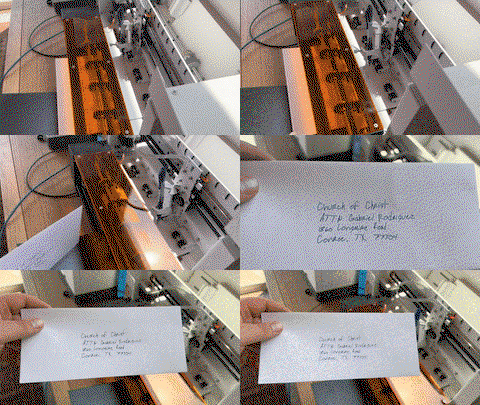
- الكتابة الجماعية بسهولة: يدعم دمج البريد الإلكتروني وخطوط Hershey للرسائل، الدعوات، والبطاقات
- سرعة لا مثيل لها: تصل إلى 12,000 مم/دقيقة، أسرع 3 مرات من أجهزة الرسم A3 الأخرى
- الدقة: دقة 0.01 مم لمحوري X/Y
- النقش بالليزر (اختياري): رؤوس ليزر من 0.5 واط إلى 15 واط لمواد متعددة الاستخدامات
- الاتصال: USB أو Bluetooth، متوافق مع Windows/Mac/Linux
- تحكم سهل الاستخدام: ضبط الطاقة، السرعة، وصيغ الإدخال مع UUNA TEK 2.0 Control

Shipping, Warranty & Support
Free Worldwide Shipping
Delivered anywhere in the world at no extra cost.
30-Day Easy Returns
Hassle-free returns or exchanges within 30 days.
Lifetime Care Guarantee
Support for your machine for its entire lifetime.
Dedicated Customer Support
Help available via email, chat, or Zoom.
Free Personal Training
Learn to set up and use your machine easily.
الميزات الرئيسية
-
الكتابة الجماعية بسهولة مع دمج البريد الإلكتروني ودعم خطوط هيرشي
يدعم جميع قلم الرسم UUNA TEK iDraw دمج البريد الإلكتروني للكتابة الجماعية للرسائل، والأظرف، والبطاقات، والدعوات. استخدم خطوط هيرشي لكتابة تشبه خط اليد البشري.
-
سرعة لا مثيل لها - أسرع 3 مرات من الآخرين
تعيد نسخة UUNA TEK H تعريف اللعبة بسرعة كتابة تصل إلى 12,000 مم/دقيقة، مما يجعلها متقدمة بفارق كبير عن المنافسين.
-
تكنولوجيا متقدمة
مدعوم بلوحة الأم Drawcore V2.0 ومزود ببرنامج ثابت متوافق مع GRBL، يمثل ذروة الابتكار.
-
الدقة معاد تعريفها
حقق دقة ميكانيكية متناهية مع دقة لا تقل عن 0.01 مم لمحوري Y وX، مما يضمن أن تكون إبداعاتك دقيقة حتى أدق التفاصيل.
-
النقش بالليزر متعدد الاستخدامات
اختر من رؤوس الليزر بقوة تتراوح من 500mW إلى 15W، مما يتيح لك نقش مواد متنوعة، من الخشب والبلاستيك إلى الجلد والورق.
-
تحكم بديهي
قم بإدارة معدل الطاقة وسرعة النقش وصيغ الإدخال بسلاسة مع إضافات التحكم UUNA TEK 2.0.
-
اتصال سهل الاستخدام
اتصل عبر USB أو البلوتوث، مما يوفر مرونة لأنظمة تشغيل مختلفة، بما في ذلك ويندوز 7/8/10/11 أو أحدث، ماك أو إس، ولينكس.
Collapsible content
المواصفات
- اللوحة الأم: Drawcore V2.0
- البرمجيات الثابتة: متوافقة مع GRBL
- الإضافات: تحكم UUNA TEK 2.0
- مواد الإطار: ملف الألمنيوم + صفيحة فولاذية
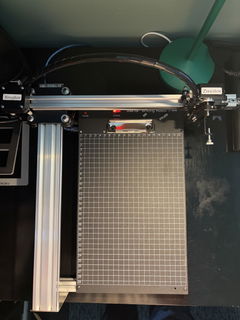
- منطقة العمل: 420*297 مم
- المحركات: 4* محركات خطوة 42
- الدقة الميكانيكية: Y:0.01 مم، X:0.01 مم
- قوة الليزر: 500 مللي واط / 1600 مللي واط / 2500 مللي واط
- منطقة النقش: 420*297 مم
- طول الموجة: 445±5 نانومتر
- التركيز: تركيز ثابت
- وضع التحكم: PWM
- معدل الطاقة: S0-S1,000
- سرعة النقش: 0-5,000 مم/دقيقة
- سرعة الكتابة: 0-12,000 مم/دقيقة
- معدل البود: 115200 - 921600 (الافتراضي: 115200)
- صيغة الإدخال: JPG، JPEG، PNG، BMP، SVG، إلخ.
- جهد الإدخال: 110 فولت - 220 فولت (متوافق)
- خرج محول الطاقة: 12 فولت / 1 أمبير
- درجة حرارة التشغيل: -20℃ - 50℃
- حجم المنتج: 525*570*160 مم
- الوزن الصافي: 4-5 كجم
- مفتاح الحد: نعم
- زاوية القلم القابلة للتعديل: 70-90 درجة
- الاتصال: USB، بلوتوث
- دعم أنظمة التشغيل والبرامج: ويندوز 7/8/10/11 أو أحدث (Inkscape)، ماك أو إس (Inkscape للكتابة والرسم، Lightburn للنقش بالليزر)، لينكس
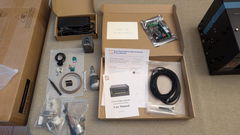
قائمة التعبئة
1 × UUNA TEK iDraw H جهاز رسم قلم A3
*1 × لوحة قاعدة A3 (اختياري)
1 × مجموعة أدوات
1 × دليل البدء السريع
1 × بطاقة شكر
البرمجيات
قم بتنزيل برنامج inkscape والملفات الشاملة من هنا>>>.
يمكنك العثور على البرنامج لأنظمة ويندوز، ماك، لينكس، بالإضافة إلى دليل التجميع للأجهزة وتفاصيل التثبيت الخاصة بالبرنامج.
لمن يحتاجون إلى وظائف متقدمة:
1. لمن يحتاج وظيفة حفظ ملف المخطط، يرجى تنزيل هذا الإصدار>>>
2. لمن يحتاج وظيفة دمج البريد الإلكتروني،
ويندوز: يرجى تنزيل هذا الإصدار>>>
ماك أو لينكس، يرجى تنزيل هذا الإصدار>>>
3. لمن يحتاج وظيفة الليزر، يرجى تنزيل هذا الإصدار>>>
4. ماذا لو كان لدي بعض الأساسيات في البرمجة وأرغب في تعديل المعلمات الأصلية لكسر حد السرعة؟ يرجى تنزيل هذا الإصدار>>>
السياسات
سياسة الشحن: سيتم تنفيذ جميع الطلبات خلال 48 ساعة عمل. سيتم شحن جميع الطرود عبر DHL/UPS/USPS من مستودعاتنا في الصين أو مستودع أمازون، وسيستغرق الوصول إلى وجهتك من 5 إلى 7 أيام عمل. تنبيه بالتأخير خلال مواسم التخفيضات. تحقق من السياسة الكاملة هنا>>>
سياسة الإرجاع: نوفر ضمانًا لمدة سنة واحدة لجميع المنتجات. سيتم تقديم الإرجاع والاسترداد المجاني فقط في حال وجود مشكلة جودة أو تلف أثناء التوصيل. يرجى التواصل معنا عبر support@uunatek.com قبل إرجاع المنتج. تحقق من السياسة الكاملة هنا>>>
| iDraw H vs iDraw H SE – Comparison Table | ||
|---|---|---|
| Feature | iDraw H | iDraw H SE |
| Motherboard | Drawcore V2.0 | Drawcore V3.0 |
| Firmware | GRBL Compatible | GRBL Compatible |
| Software Support | Inkscape Writing, Inkscape Drawing, Lightburn for Laser | Full AxiDraw Functions + Python API + CLI |
| Connectivity | USB, Bluetooth | USB |
| Working Area | 420 × 297 mm (A3); A2/A1/A0 options available | 297 × 210 mm (A4) |
| Mechanical Precision | X/Y: 0.01 mm | X/Y: 0.01 mm |
| Writing Speed | Up to 12,000 mm/min | Up to 12,000 mm/min |
| Engraving Speed | 0–5,000 mm/min | 0–5,000 mm/min |
| Laser Power Options | 0.5W / 1.6W / 2.5W / 10W / 15W | N/A |
| Frame Material | Aluminum + Steel Plate | Aluminum |
| Pen Angle Adjustability | 70–90° | 70–90° |
| Supported OS | Windows, Mac, Linux | Windows, Mac, Linux |
| Input Formats | SVG, PNG, JPG, JPEG, BMP | SVG, PNG, JPG, JPEG, BMP |
| Power Adapter Output | 12V / 1A | 12V / 1A |
| Operating Temperature | -20°C to 50°C | -20°C to 50°C |
الأسئلة المتكررة
لماذا لا تعمل وظيفة المنزل التلقائي بشكل جيد؟
إليك بعض النصائح لاستخدام Auto Home.
1. تحقق من توصيل كابلات مفتاح التلامس بشكل صحيح، اتبع هذا الدليل:https://www.youtube.com/watch?v=5B4nb2k6eAc2. حرك عربة المحور X يدويًا إلى اليسار إلى أقصى حد ممكن، وتحقق مما إذا كانت تصطدم بمفتاح التلامس الخاص بمحور X.
3. حرك عربة المحور Y يدويًا إلى الخلف إلى أقصى حد ممكن، وتحقق مما إذا كانت تصطدم بمفتاح التلامس الخاص بمحور Y.
4. تأكد من ترتيب الكابلات بشكل صحيح حتى لا تعلق على عربات XY، تحقق من هذا الدليل لتنظيم كابل المحور Z:https://www.youtube.com/watch?v=LTwPYPh3rdE
ماذا يجب أن أفعل إذا ضغطت على الزر الأحمر وتوقفت الآلة؟ هل يمكنني استئناف المخطط؟
نعم، يمكنك استئناف عملك بعد الضغط على زر التوقف الطارئ الأحمر. بمجرد الضغط عليه، ستتوقف الآلة وتنتظر التعليمات التالية. للاستمرار:
- افتح برنامج Inkscape الخاص بك.
- اذهب إلى قائمة الإضافات.
- ابحث عن قسم استئناف.
- اختر استئناف (من البداية) أو استئناف (من نقطة التوقف) حسب ما إذا كنت تريد البدء من البداية أو الاستمرار من نقطة التوقف بالضبط.
👉 نصيحة: تأكد دائمًا من اختيار خيار الاستئناف الصحيح بناءً على تقدم مشروعك لتجنب التداخل أو الرسومات غير المكتملة.
لماذا يظهر جهاز iDraw الخاص بي خطأً عند الرسم على أي شيء أكبر من 215 × 300 مم، رغم أنني أريد استخدام حجم A3؟
يحدث هذا عادةً إذا تم اختيار حجم نموذج خاطئ في إعدادات البرنامج الخاص بك. بشكل افتراضي، قد يكون البرنامج مضبوطًا على نموذج أصغر (مثل A4)، مما يحد من أقصى مساحة للرسم.
لإصلاح ذلك، اذهب إلى:
الخيار → تكوين نموذج iDraw → اختر حجم A3
ثم حاول الرسم مرة أخرى. بمجرد اختيار حجم النموذج الصحيح، ستدعم الآلة كامل مساحة الرسم بحجم A3 بدون خطأ.
هل يمكن لمحور Z تعديل مسافة العمل؟
نعم، يمكن لمحور Z تعديل مسافة العمل من 0 إلى 10 مم.
هل يمكن التحكم في وقت وضع القلم على الورق؟
نعم، يمكن التحكم في وقت الكتابة.
هل تدعم الآلة أوامر G-code؟
نعم، يدعم أوامر G-code. البرنامج الثابت للوحة الأم متوافق مع GRBL.
هل يمكن لمحور Z أن يرفع ويضغط بسلاسة مع حمولة حوالي 30–35 جرام (مثل مسبار فولاذي صلب بقطر 10 مم وطول 5 سم)؟
نعم، يمكنها ذلك. تدعم الآلة أحمالًا تصل إلى 200 جرام وقطرًا أقصى يبلغ 15 مم.
هل الإطار مستقر بما يكفي لتجنب الاهتزاز عند الضغط؟
نعم، يزن H A3 سبعة كيلوجرامات وهو مستقر بما فيه الكفاية. سرعة التشغيل قابلة للتعديل.
هل من الممكن تعديل الإعداد الخاص بمدى ارتفاع/انخفاض الأقلام؟
الكود يحدد ارتفاع محور Z بشكل افتراضي، يمكنك تعديل الإعدادات التالية كما في الصور للحصول على مرونة أكبر.
1.idraw_deps>idraw2_0internal>idraw.py
اضبط الارتفاع من 10 إلى الارتفاع الذي تتوقعه مثل 30 في self.options.pen_pos_up و self.options.pen_pos_down.
2. idraw2_0.inx
اضبط max="10.0" إلى الارتفاع الذي تريده في <param name="pen_pos_down" type="float" min="0.1" max="10.0" _gui-text="ارتفاع القلم: لأسفل، (مم):">5.0</param>
I am using the plotter from last 14 days i am loving it. Plus the guide available online make it very easy for me to set up plotter quickly. A little prob i face was it took me time to find where should i start the plot from ( few trial and error i find its top right corner ) rest everything was smooth and perfect. Thanks
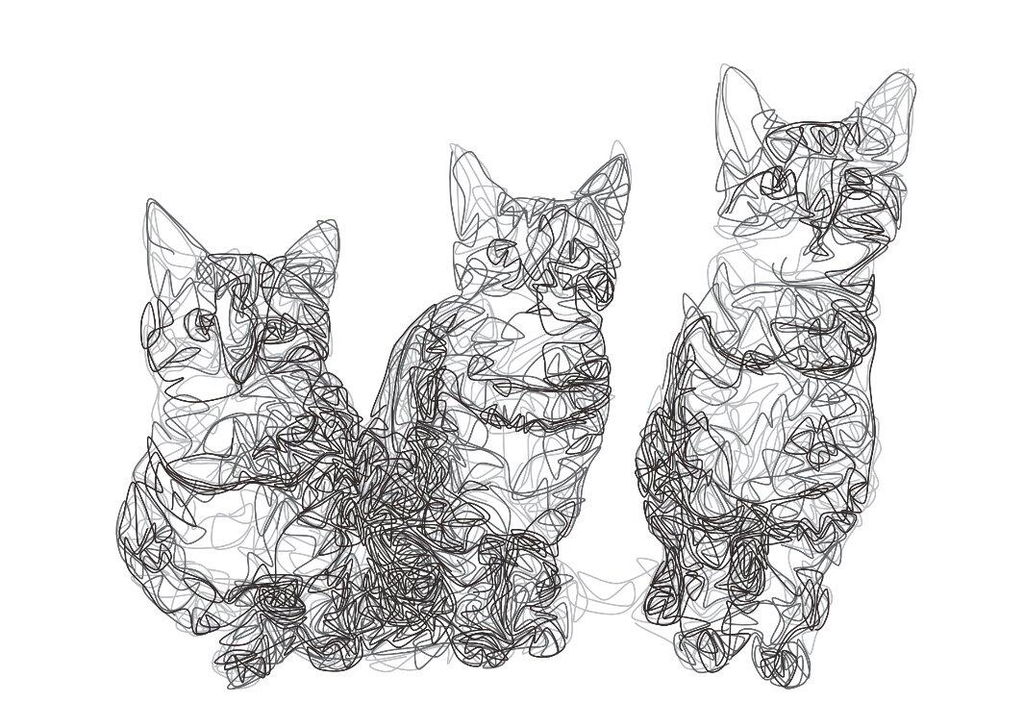
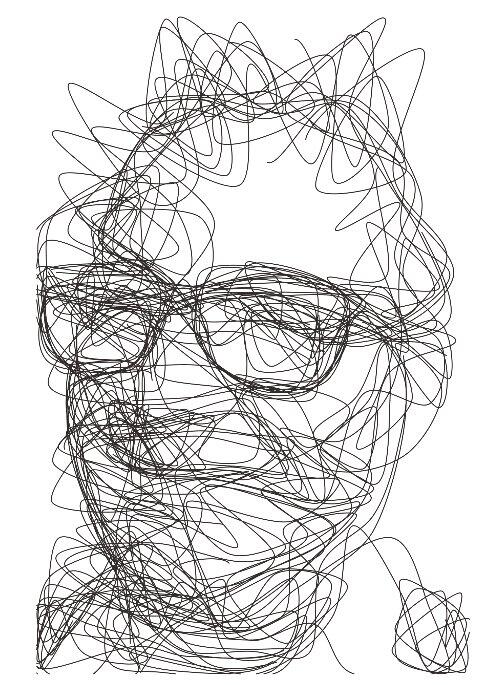
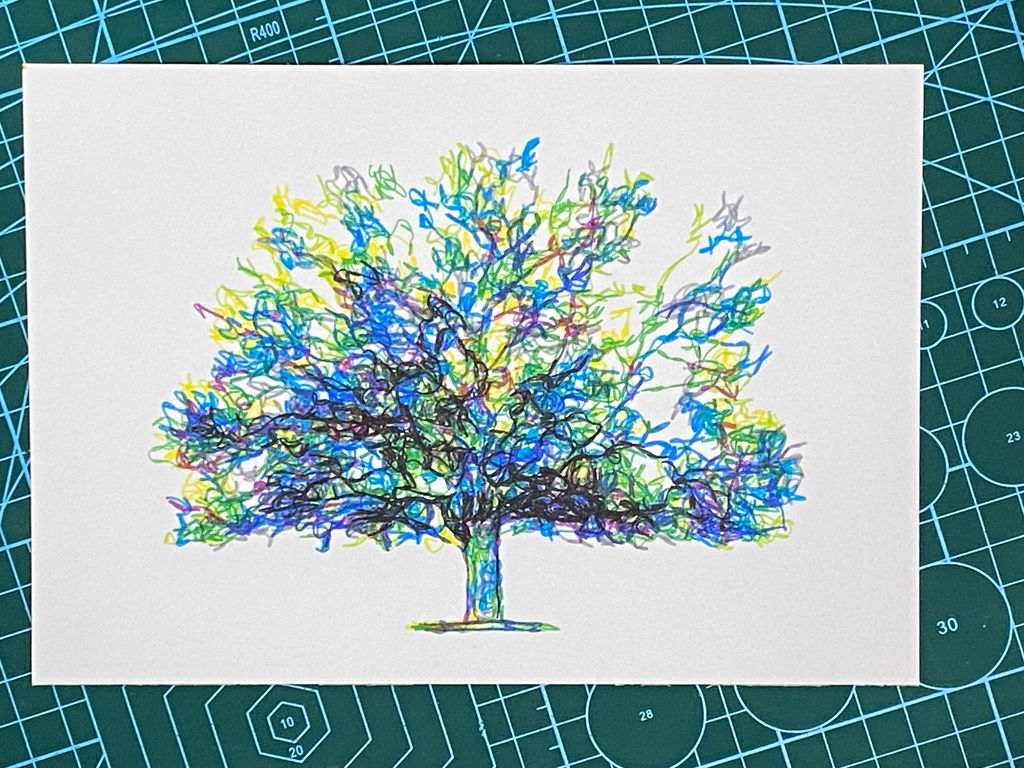
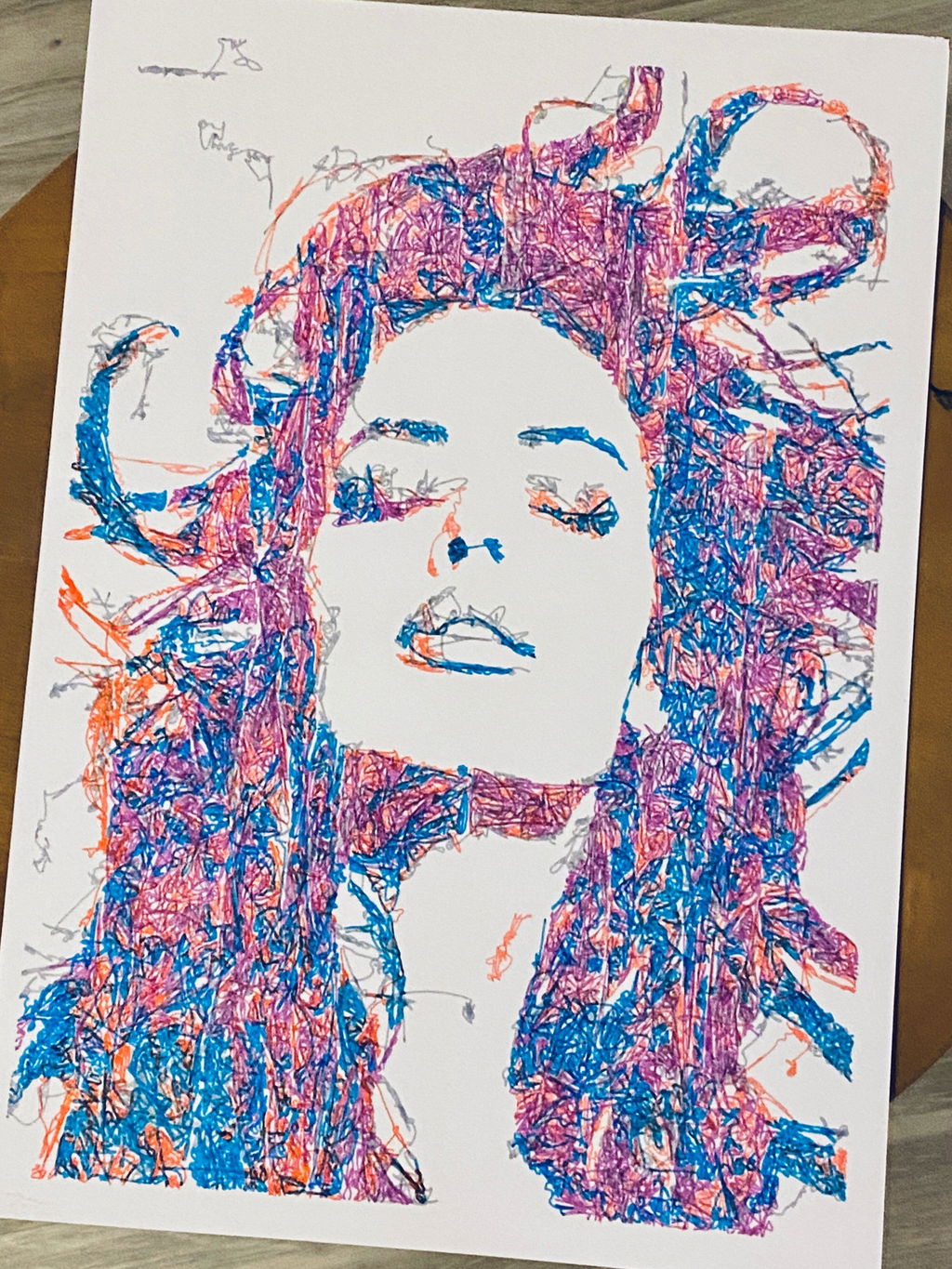
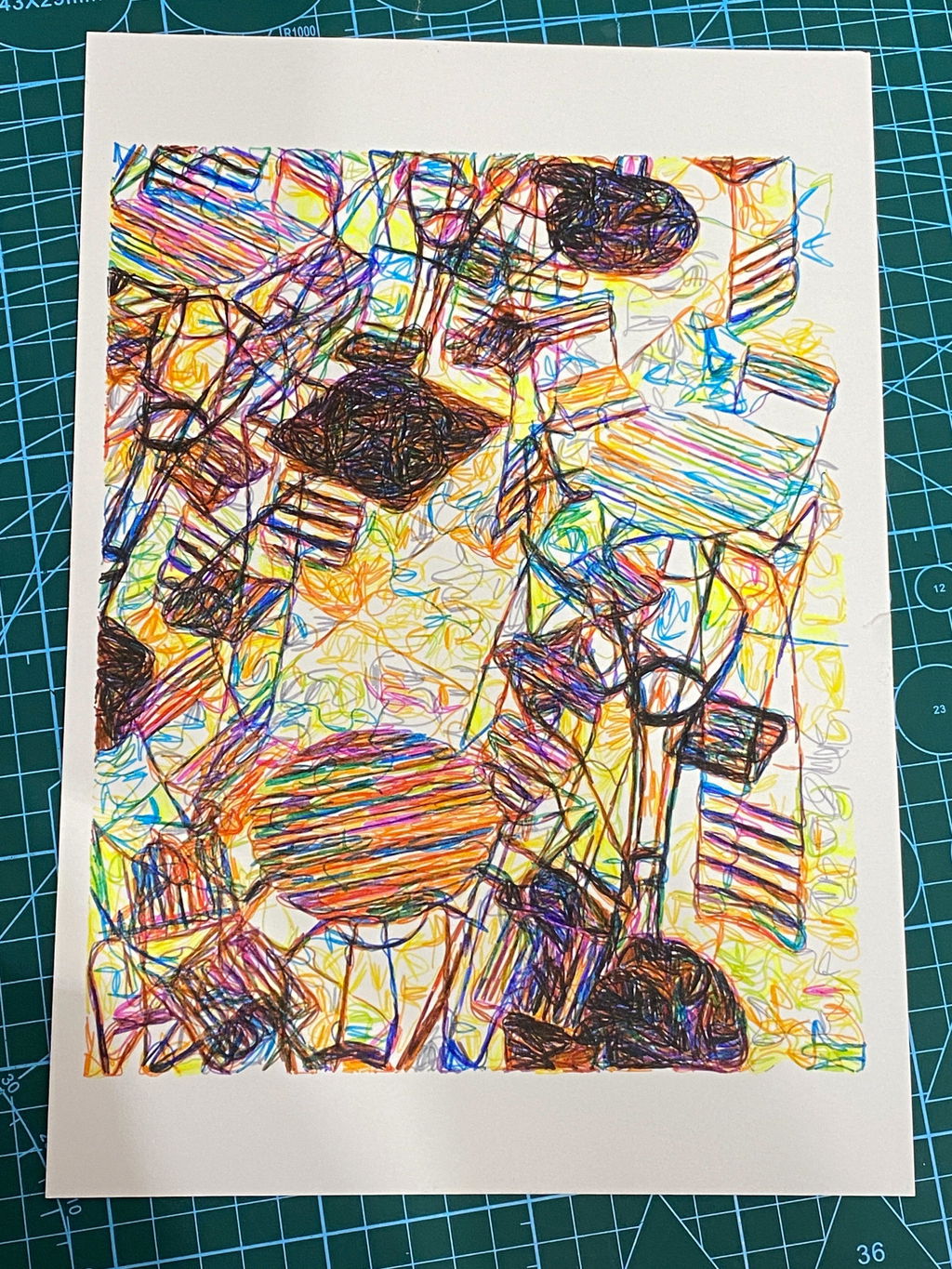
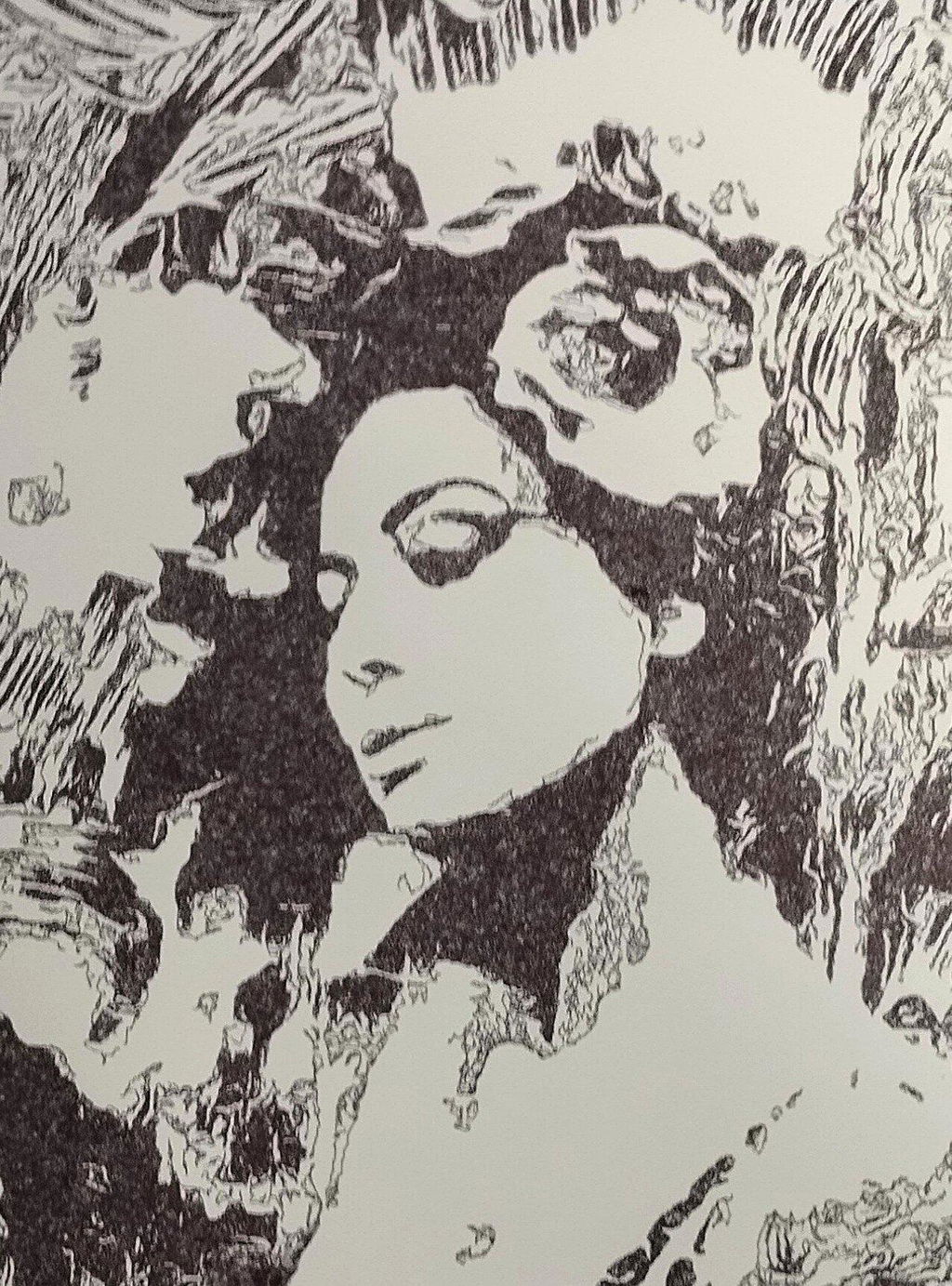
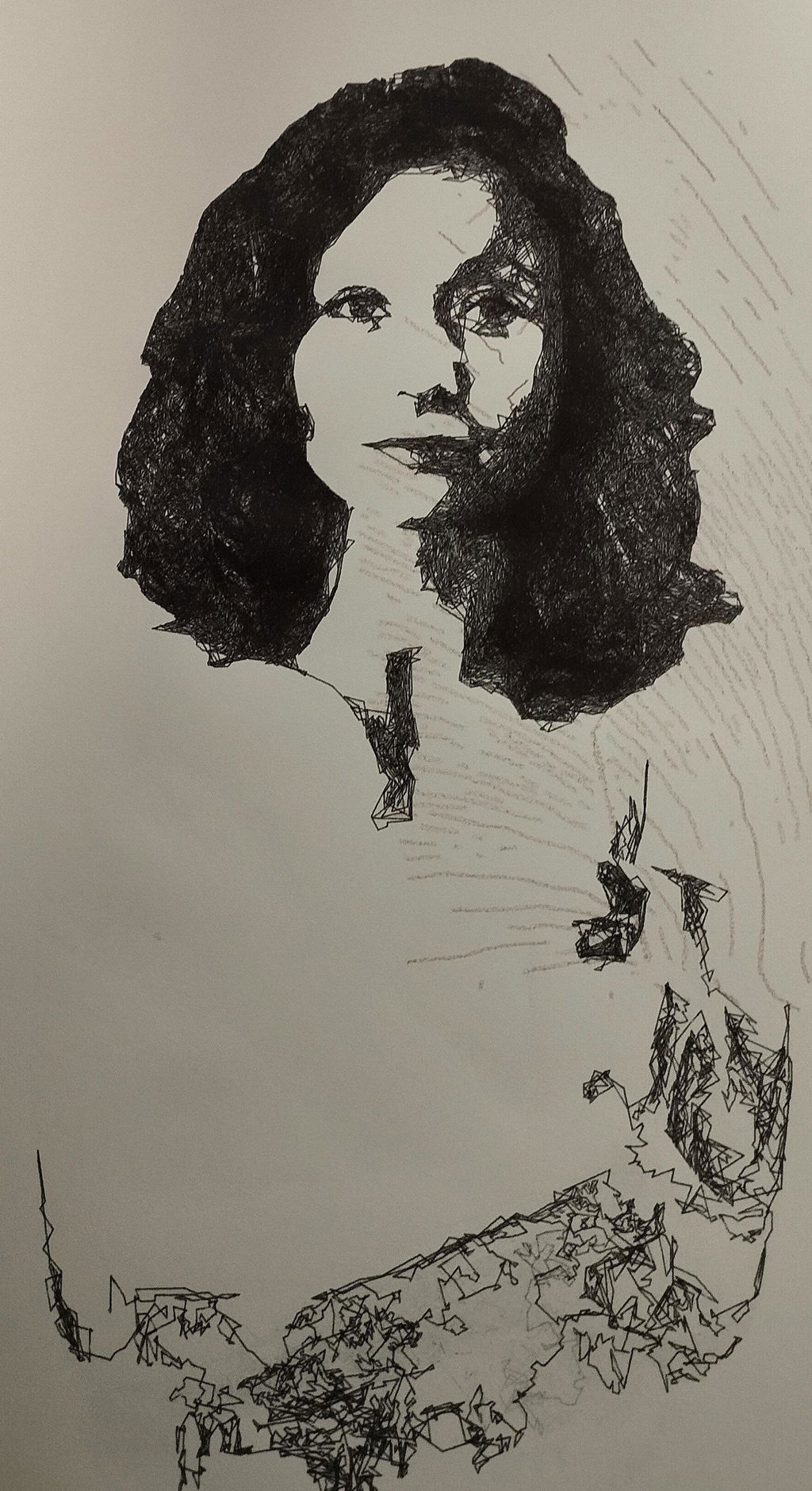
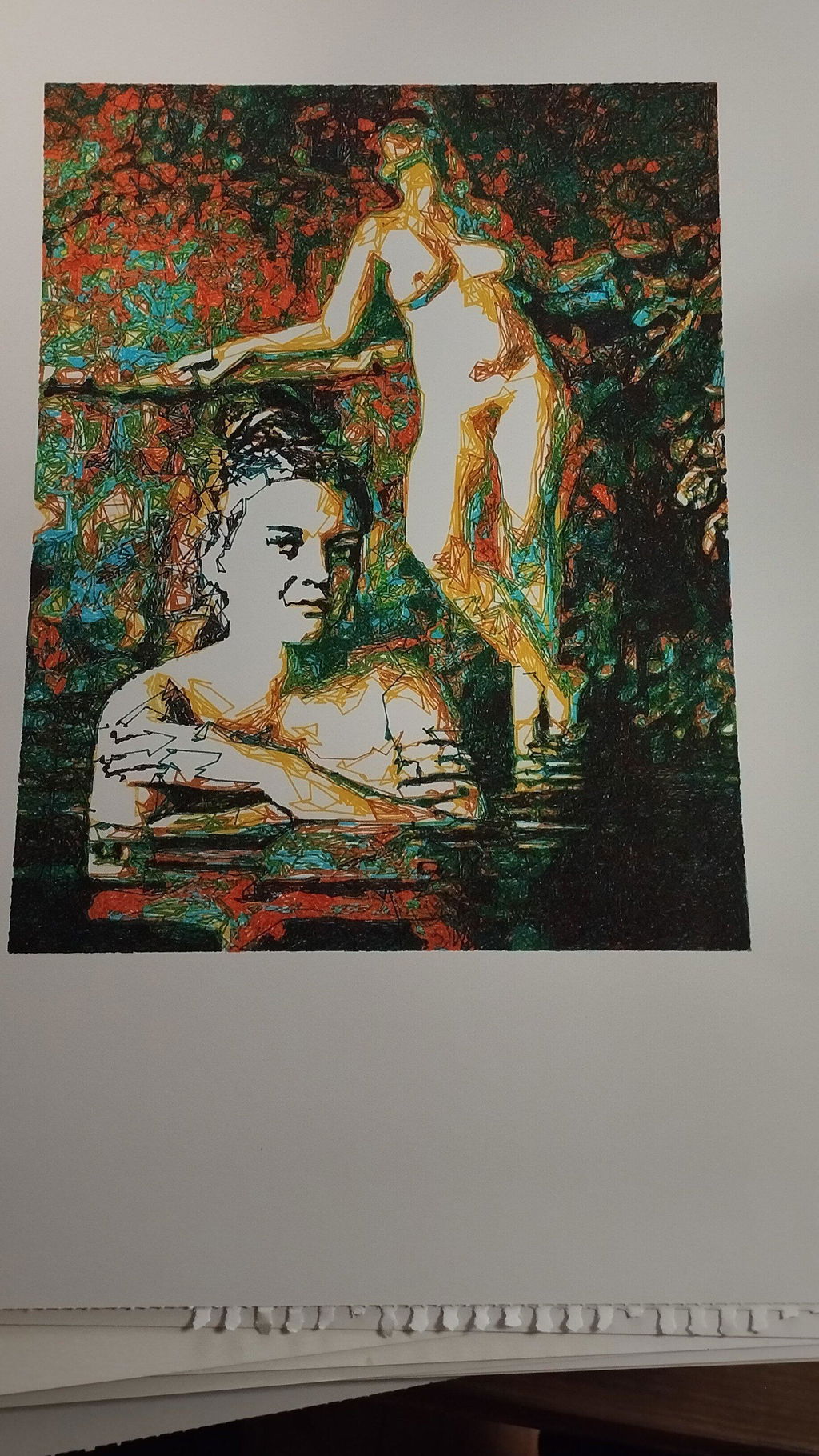
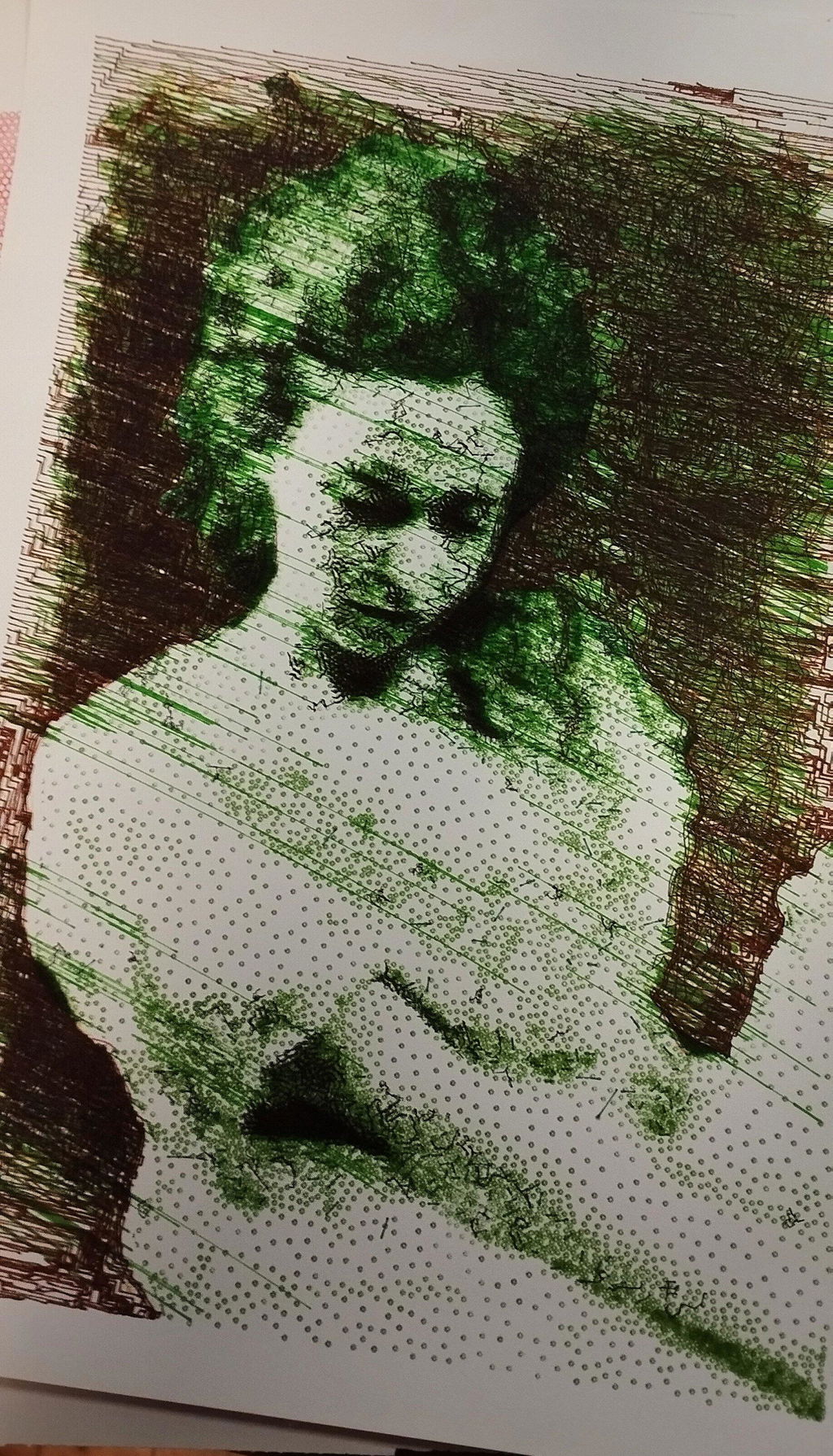
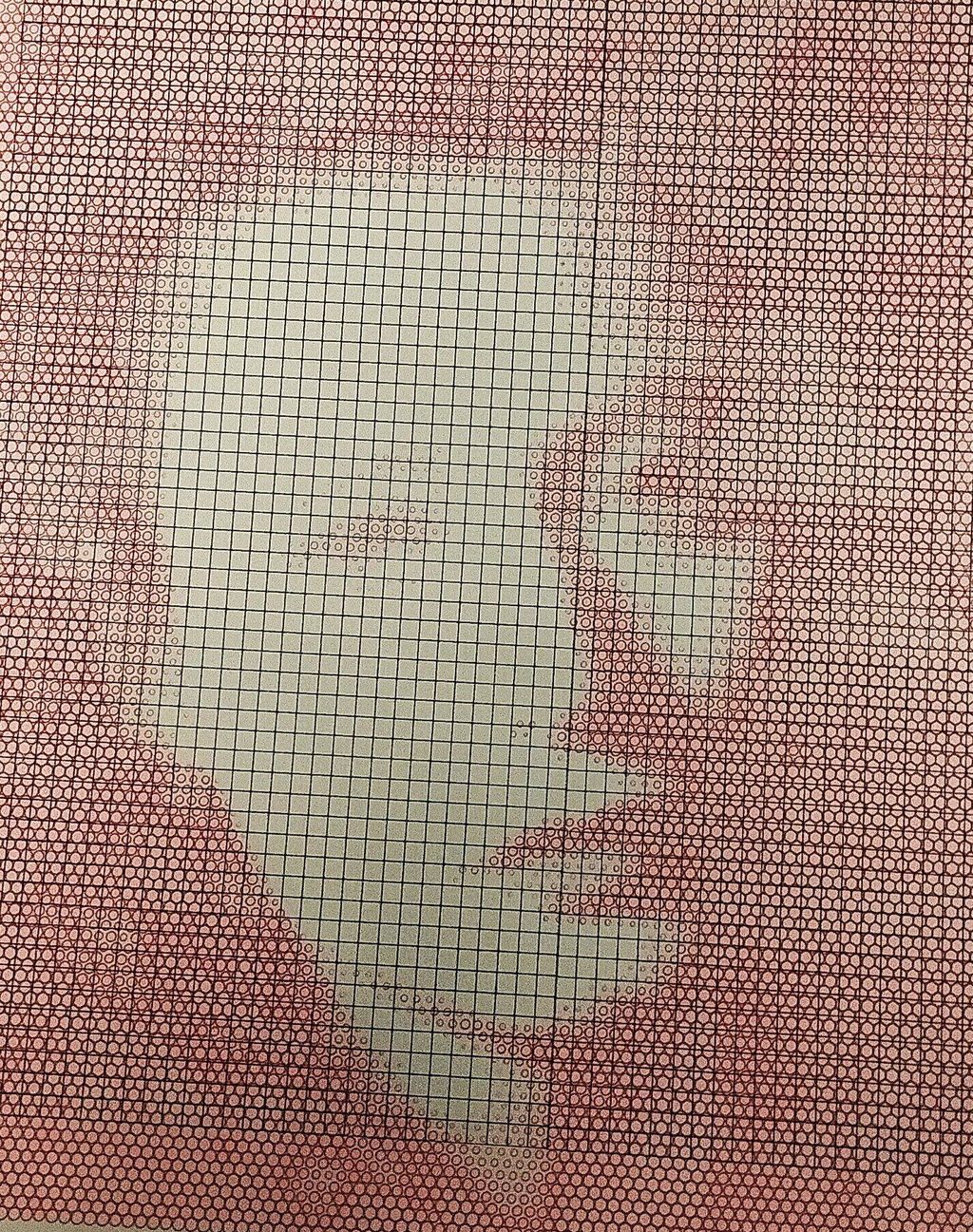
My first pen plotter the Uuna Tek H A3. I settled on this make and model after watching many videos on YouTube. Uuna Tek consistently came out looking the best so I took the plunge and pressed the buy it now button. A week later I had a large box delivered! Opening the box, it's clear the machine was well packed to withstand shipping. A "hand written" thank you card was a nice touch. Assembly was simple and straightforward. The machine is nicely designed and definitely has a quality feel to it. The software was easy to install, I used the inkscape download (with plugins pre-installed) from the Uuna Tek website. All very straightforward and simple! I've attached a couple of my first prints. I'm absolutely delighted with the machine and the quality of the plots it produces. If you, like I was, are initialising hesitating to press "buy it now" - then don't. Press that button - you won't regret it! Regards to you all from a very wet UK.
I am absolutely loving my UUNA TEK iDraw H A3 Pen Plotter! I have been using it every single day since I got it. One of the best things about it was the setup process. It was incredibly easy to assemble and get running right out of the box. The instructions were clear, and I didn't run into any issues at all.
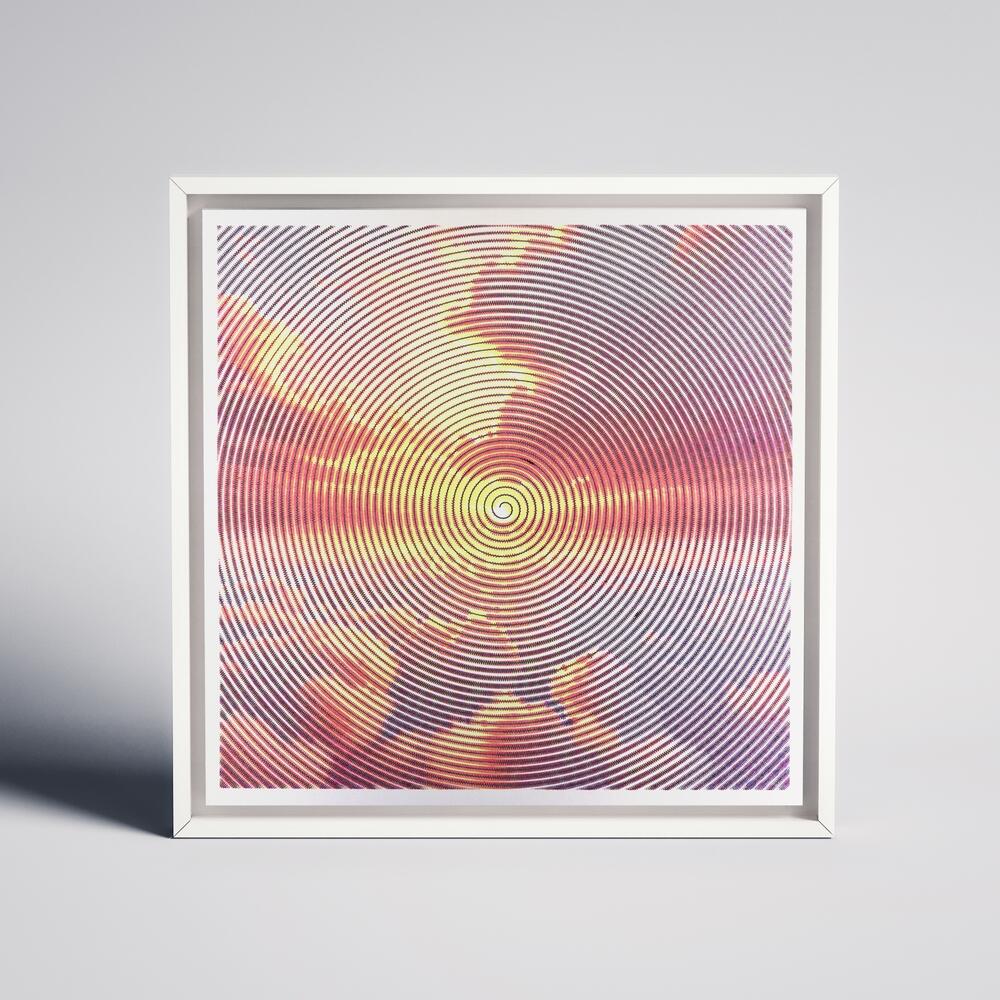
I'm attaching a few pictures of the projects I've created with this plotter so far. It's a fantastic tool and I highly recommend it!
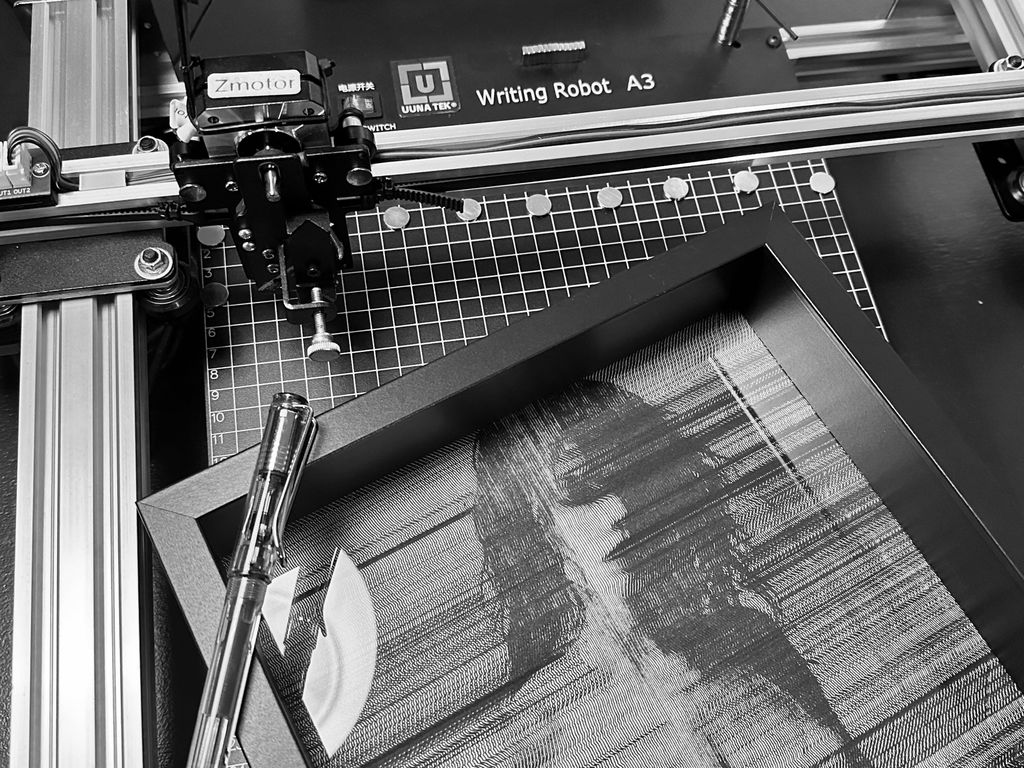
My UUNATEK Writing Robot A3 is pure creative joy packed into a precise little powerhouse. It’s extremely fun to use, surprisingly versatile, and after following a clear tutorial on the UUNATEK website to set up CNCjs on a Raspberry Pi, I now run my iDraw as a fully wireless pen plotter.
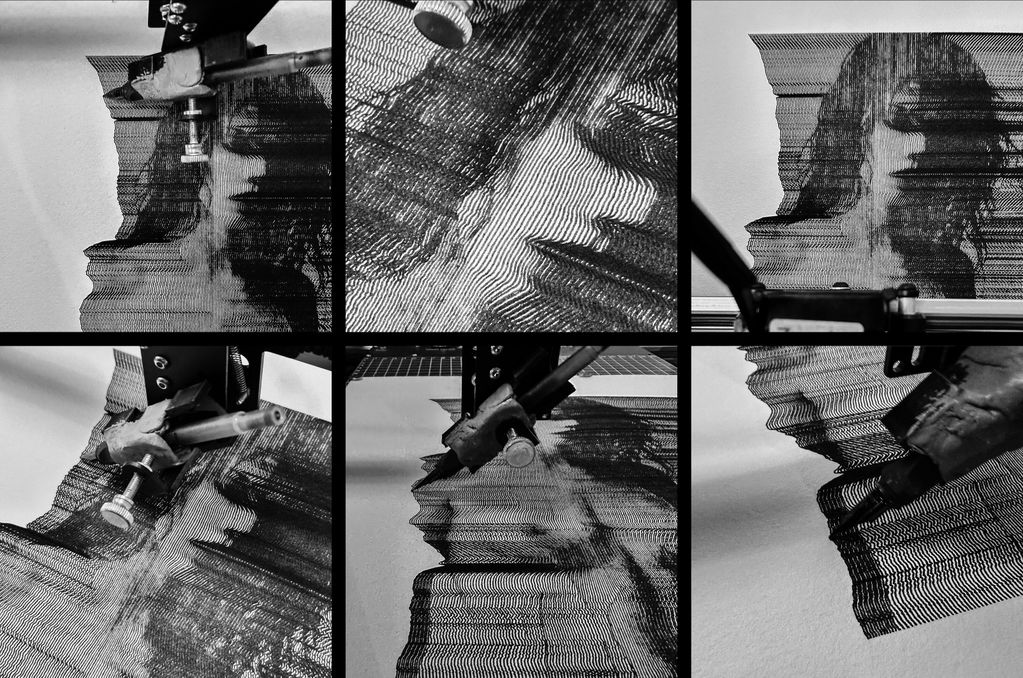
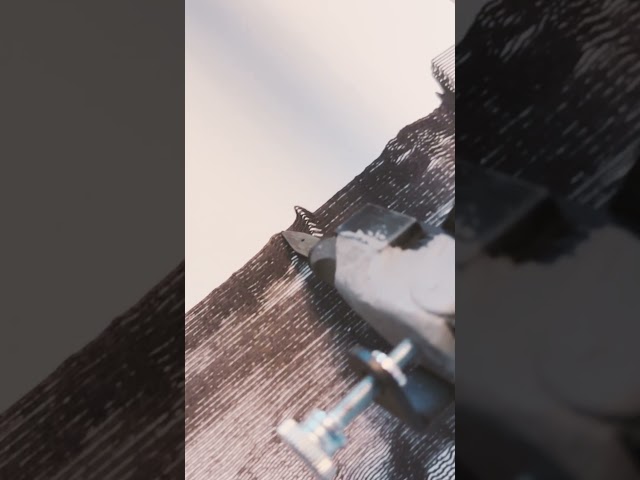
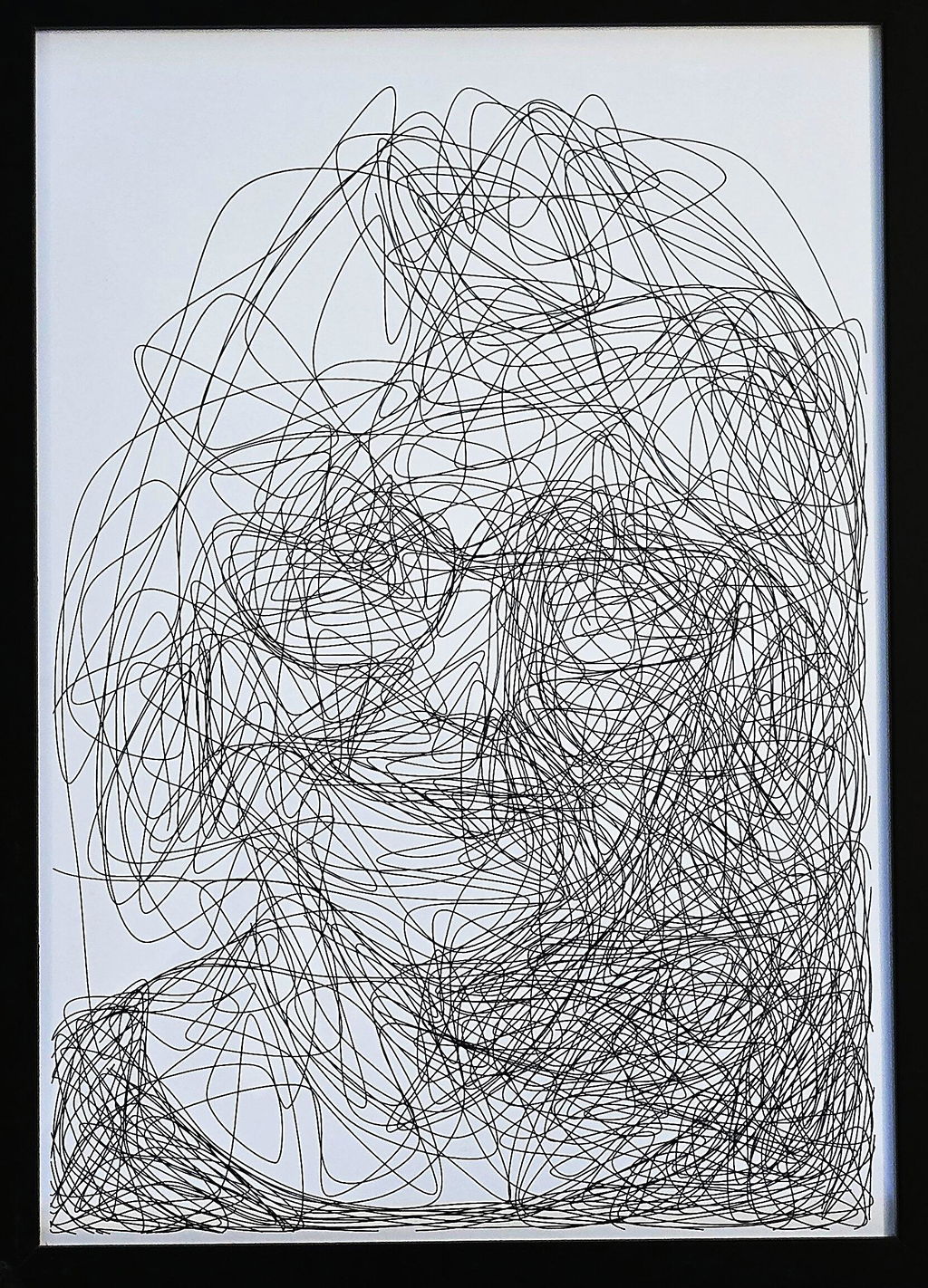
I use this machine to create fast, razor-sharp line-art portraits with a Lamy pen, and the speed and accuracy are impressive. For me, this machine feels like a perfect extension of my studio. It translates digital intention into tactile and expressive drawings. A brilliant bridge between my art and ink.
The product is easy to use. By carefully following the manufacturer's instructions, I was able to install the Inkscape plugin easily. Assembling the plotter is straightforward, but precisely adjusting the baseplate can be tricky. I managed to reduce the unevenness to within +/- 0.1 mm by manually bending the baseplate. I found that if the deviation exceeds this limit, the lifespan of the fine liner pens is significantly shortened because their tips wear down more quickly where the baseplate has a "bump". Therefore, it is recommended to level the plate before using it for the first time.
The plotter is user-friendly, and configuring its operating parameters is simple. At high speeds, the lines may become slightly wavy; however, this issue can be easily resolved by reducing the speed. The device provides a good estimate of the plotting time, making it easier to decide if slower plotting is acceptable.
The home function allows for precise positioning of the pen tips, and you can change the pen several times while working on a drawing. It is very helpful that only select layers can be plotted from the Inkscape drawing.
Overall, I am very satisfied with this product. After carefully setting up the device, one can create highly detailed and precise plots.
Reviews in Other Languages
Super eficaz!
Le prix des traceurs est un facteur essentiel à prendre en compte pour votre décision d’achat. Ne faites pas comme moi : j’avais commencé avec un petit traceur A4 bas de gamme (120 $, en pièces détachées à monter soi‑même). Avec cette machine, je ne pouvais à peine tracer des formats A5 alors qu’elle était censée gérer du A4. J’avais sans cesse des problèmes de calage, la précision laissait à désirer, et trop légère, elle bougeait au moindre mouvement. De plus, elle ne prenait pas en charge les fichiers SVG directement : il fallait passer par un encodage en G-code, un vrai parcours du combattant pour réaliser un dessin. Le résultat était le plus souvent frustrant.
Puis j’ai découvert l’iDraw H A3. Je me suis retrouvé face à une machine totalement différente, bien plus qu’un simple plotter : elle était capable de transformer mes photographies et mes dessins en tracés physiques, précis et vivants. J’étais comme propulsé dans une nouvelle dimension créative. C’était le début d’un chemin où le numérique, la mécanique et l’expérimentation artistique se rejoignent pour former un véritable terrain de jeu et d’exploration.
Cette expérience m’a montré que l’investissement dans une machine de qualité comme l’iDraw H A3 est essentiel. Elle permet non seulement de travailler avec précision et sur de grands formats, mais surtout d’avoir la liberté de se concentrer sur la création et l’exploration artistique, plutôt que sur les problèmes mécaniques. Un investissement qui peut sembler élevé au départ, mais qui se traduit par un gain énorme de temps, de sérénité et de plaisir créatif.
Since working with an Idraw H A3, I have nothing but praise to give to Uuna Tek for their work. It works all the time, every day, always precise, silent and so fast! Super easy to learn, even for beginners, and excellent support. I had already installed the software part and once unboxed, I made my first drawing in a few minutes. THANKS
Depuis que je travaille avec une Idraw H A3, j'ai seulement des éloges à faire à Uuna Tek pour leur travail. ça fonctionne tout le temps, tous les jours, toujours précis, silencieuse et tellement rapide! Super facile à prendre en main, même pour les débutants, et excellent support. J'avais déjà installé la partie logiciel et une fois déballée, j'ai fait mon premier dessin en quelques minutes. Merci